

Trailback
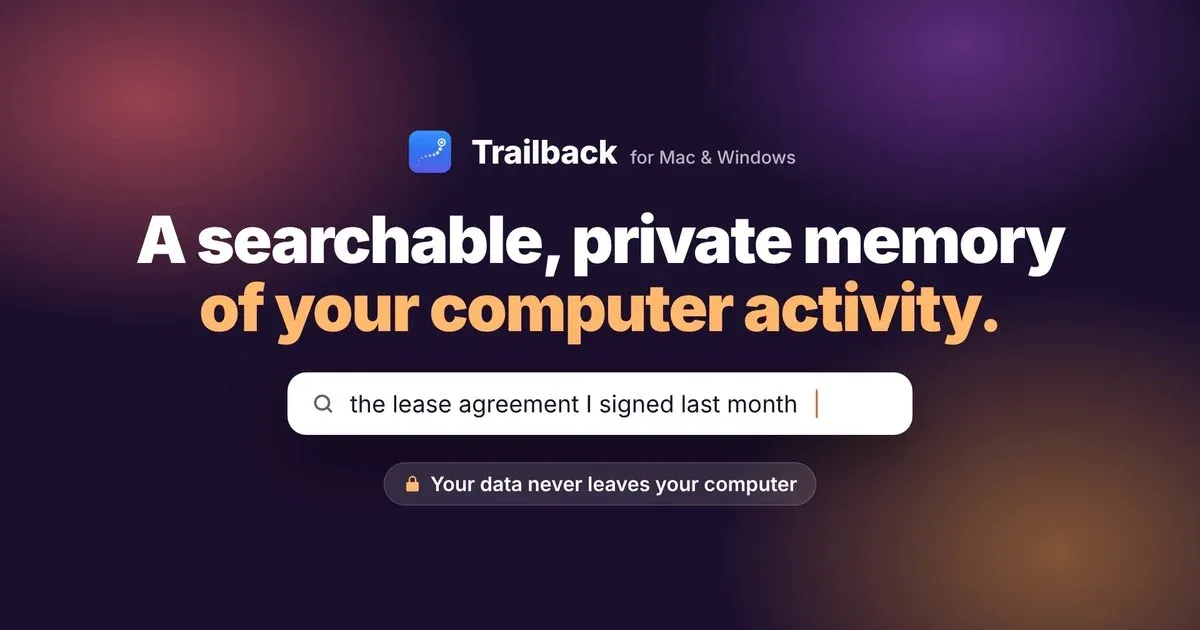
Find past files, web pages, screenshots and copied text by what you remember, with a private, searchable history of your Mac.
Trailback is a Mac search and activity-history app that helps you rediscover files, web pages, screenshots, and copied text. Search by content or date instead of remembering exact file names. It builds a searchable history locally without recording your screen or taking screenshots.
Find what you worked on
- Content search: Search PDFs, documents, spreadsheets, and images using OCR in ten languages.
- Browser history: Find visited pages from Safari, Chrome, Firefox, Edge, Brave, and Comet.
- Quick Search: Press Option + Space to search, preview, and reuse files.
- Activity timeline: Revisit past files, websites, and apps by date or time.
File organization and utilities
Collections groups files by type, source, or project without moving them. Tidy suggests better file names and folders, with approval and undo options.
Additional tools include clipboard history, image text extraction, PDF utilities, and basic image editing.
Privacy and AI integrations
Trailback stores an encrypted activity index locally, skips private browsing, and lets you exclude apps, websites, or folders.
Optional integrations with Claude Desktop, Codex, and Cursor can share selected history with external AI services. Internet access is also used for licensing and updates.
Compatibility and pricing
Trailback requires macOS 13 Ventura or later. It offers a one-time license with updates, a seven-day refund window, and no free trial.
Each license covers one computer and can be transferred, but encrypted activity history cannot.
More ways to build your Mac setup
Editorial collections for putting together a more useful Mac setup.