
SuperCmd
A keyboard-first Mac launcher with clipboard history, window management, AI tools, and Raycast extension support.
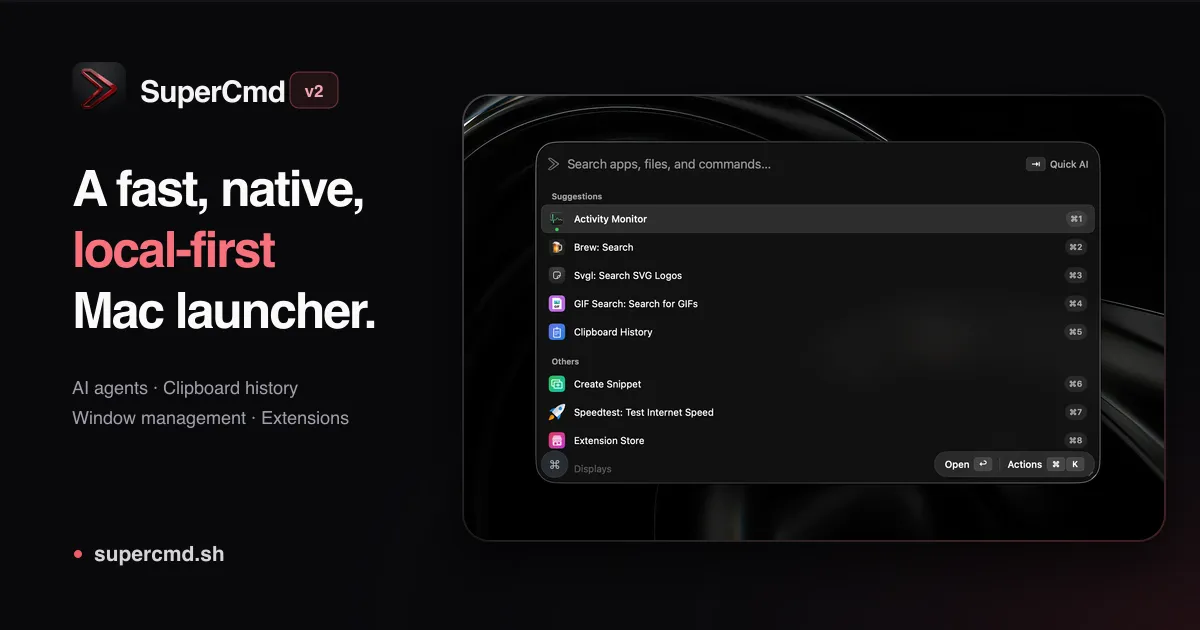
SuperCmd is a native Swift launcher for macOS that brings app and file search, system commands, and everyday utilities into a keyboard-driven command bar. It combines tasks often handled by separate apps, including clipboard history, window arrangement, text snippets, screenshots, and AI commands.
Search, launch, and organize
- Find apps and files, search menu commands and browser tabs, open quicklinks, and run shell commands or custom scripts.
- Search and pin items in unlimited clipboard history, including text recognized in copied images through OCR.
- Expand reusable text snippets, keep notes, use the calculator and translator, and capture or annotate screenshots.
- Tile windows into halves, thirds, or quarters, save custom layouts, move windows between displays, and switch between individual windows with a visual Alt-Tab interface.
AI, voice, and extensions
SuperCmd supports AI chat, text rewriting through Quick Fix, and tool-using agents. Users can connect services such as OpenAI, Anthropic, or Gemini, or configure local options including Apple Intelligence, Ollama, and LM Studio. Some providers require separate credentials or paid usage; on-device AI features depend on compatible hardware and models.
Hold-to-talk dictation and read-aloud tools are also built in. A bundled extension runtime can run most Raycast Store extensions without Raycast installed, although extensions relying on Raycast-managed authentication are not yet supported.
Requirements, privacy, and licensing
SuperCmd v2 requires macOS 26 (Tahoe) or later. Clipboard history, snippets, and screenshots stay on the Mac by default, while optional online AI and translation features send relevant content to their configured services. The app requests system permissions for features that need access to other apps, windows, or the microphone.
The current Swift-based v2 is closed source and offers a 7-day free trial. Its regular price is $39.99 for a one-time licence covering three Macs with lifetime updates; the website currently advertises a $19.99 early-bird offer. The earlier Electron-based v1 remains free and open source under the MIT licence.
More ways to build your Mac setup
Editorial collections for putting together a more useful Mac setup.