🚀 We're still curating great Mac apps. Official launch: November 12, 2026.

NotchNook Pro
The original notch app for Mac, taken to the next level.
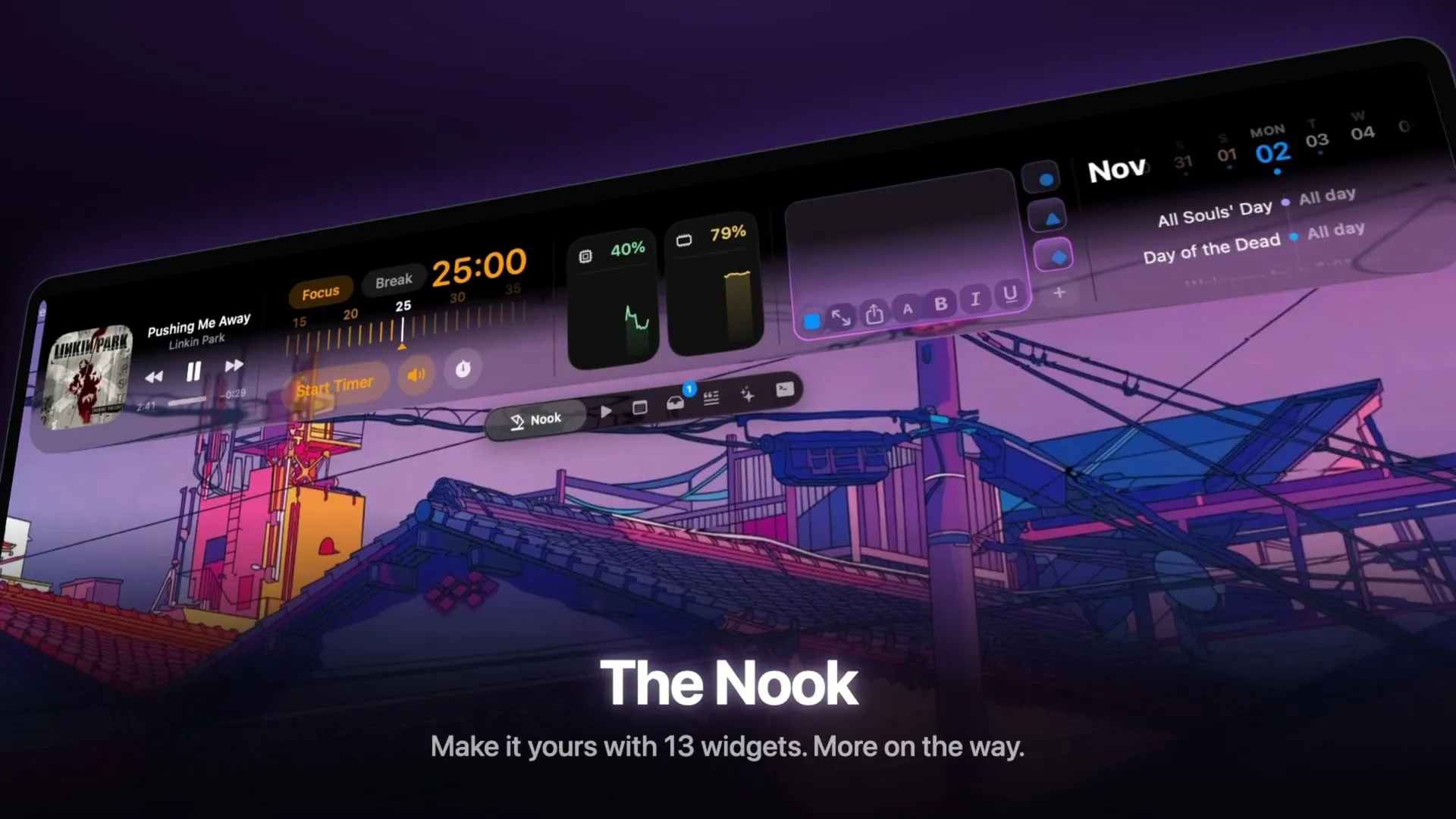
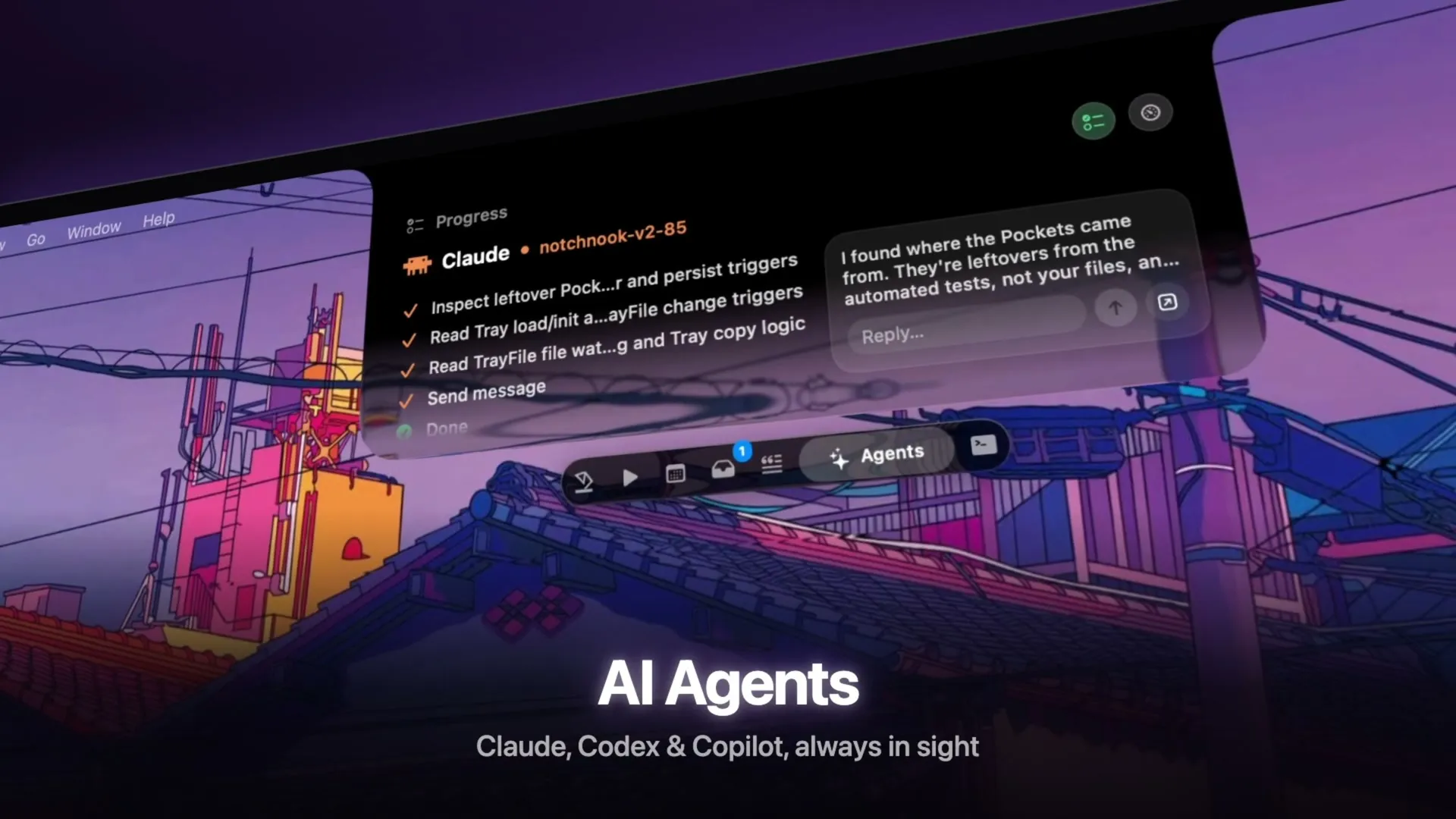
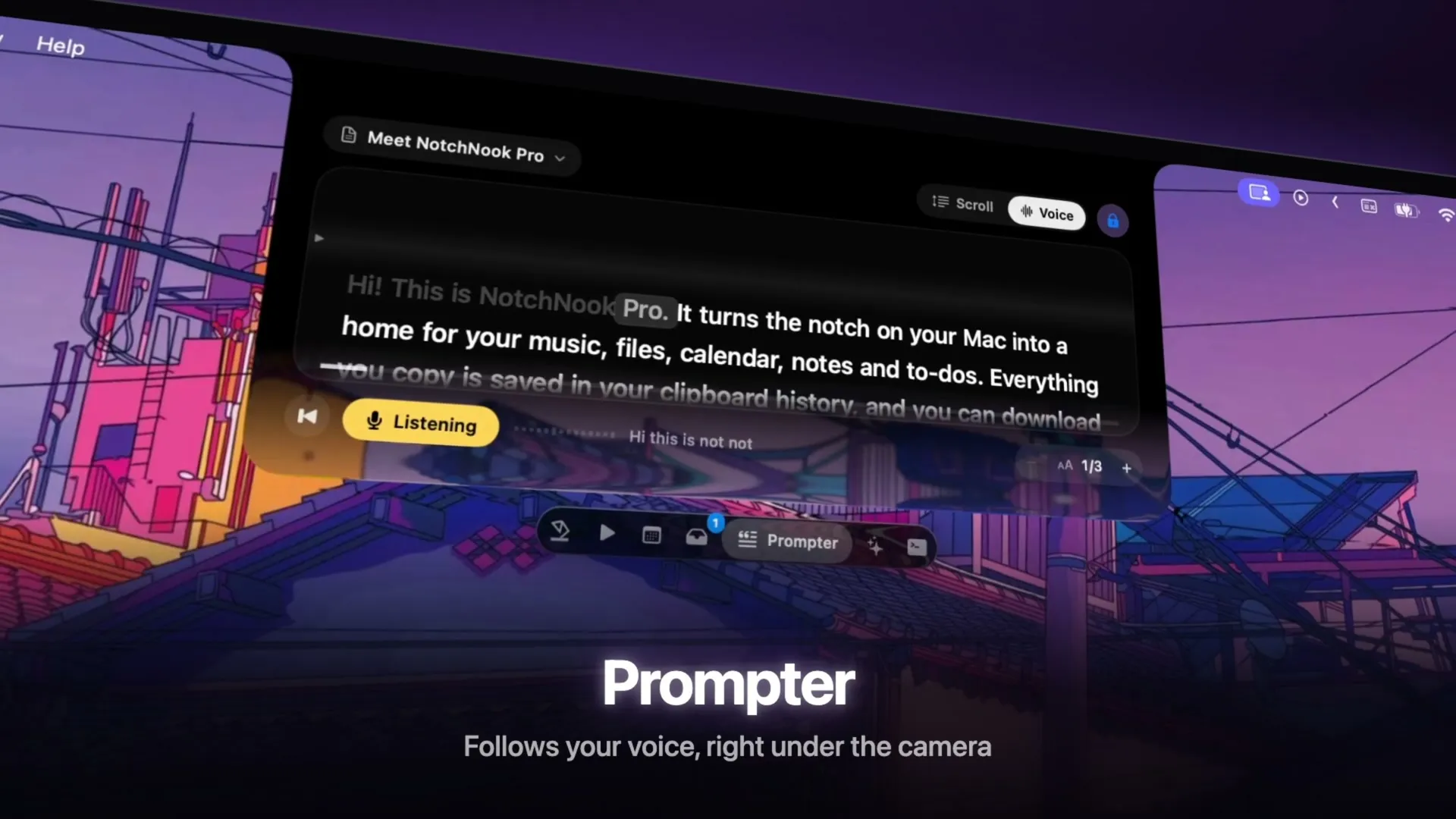
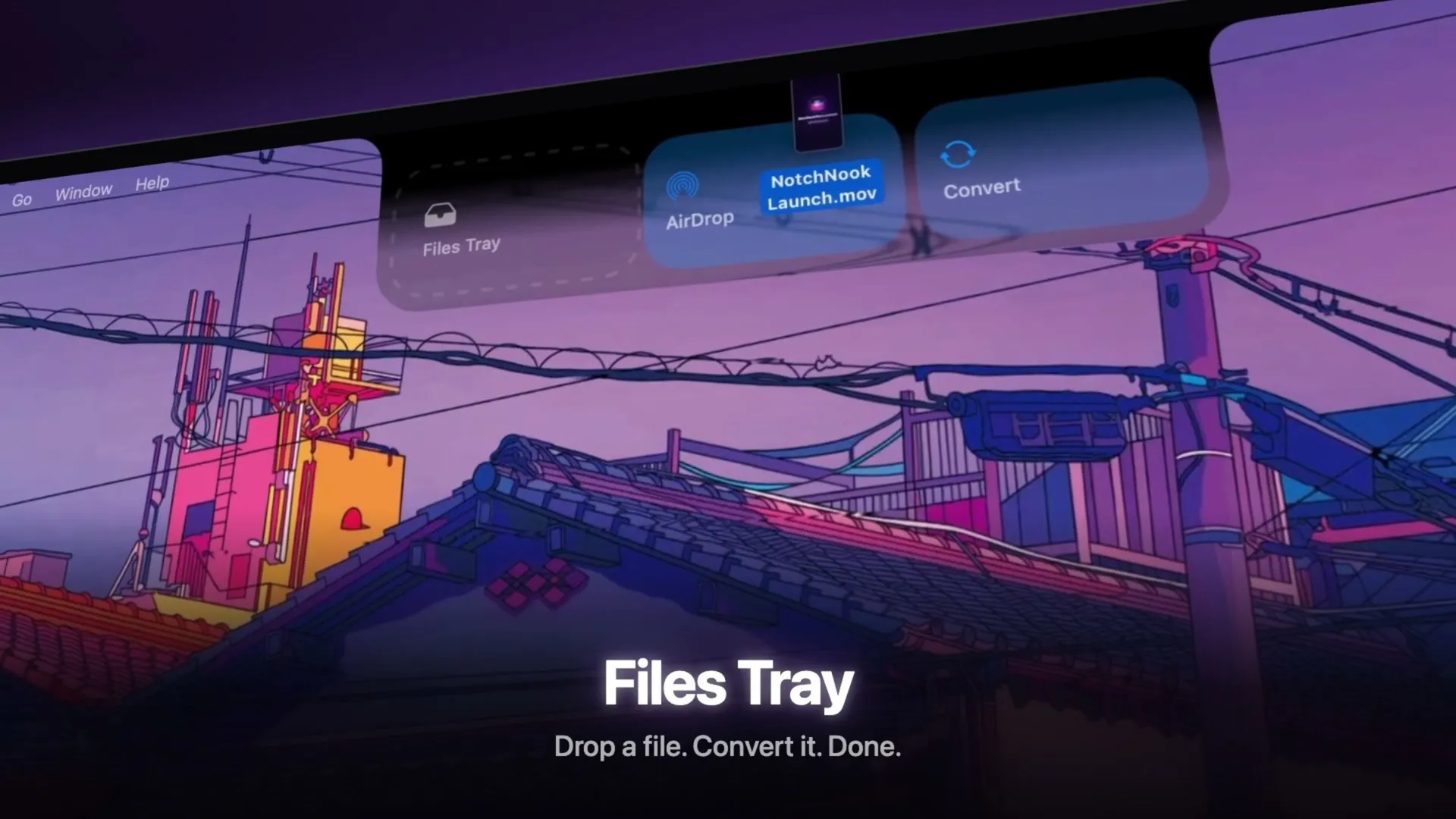
NotchNook Pro takes the original notch app for Mac to the next level with 37+ features in the space beneath your camera. Follow Claude Code and Codex sessions, approve commands and respond to requests from the notch. Find what you copied with searchable clipboard history, keep files close with Tray and Pocket, open an integrated terminal, and read scripts with a teleprompter that follows your voice. Music with lyrics, calendar, notes, tasks and timers come together in customizable workspaces. Rearrange widgets with drag and drop and choose the Glass or black appearance.
What Pro adds
- AI Agents: Monitor Claude Code and Codex sessions, approve commands, respond to requests, and track usage limits.
- Developer Tools: Access an integrated terminal and a teleprompter that follows your voice.
- Advanced File Tools: Use Pocket for drag-and-drop file handling, alongside file conversion and searchable clipboard history.
- Custom Workspaces: Arrange widgets with drag and drop, choose the Glass or black appearance, and access tools with shortcuts.
- More at a Glance: View synchronized music lyrics, AI activity, battery information, and other Live Activities.
Compatibility & Pricing
Requires macOS 14.6+ and an Apple silicon Mac. NotchNook Pro offers a 48-hour free trial without a credit card, followed by a $19 lifetime license for two Macs or $3/month. Pro is a separate edition from NotchNook Classic.
More ways to build your Mac setup
Editorial collections for putting together a more useful Mac setup.