

ScreenGo
Record polished Mac demos with automatic zooms, a voice-following teleprompter, and built-in video editing.
ScreenGo is a Mac screen recorder and lightweight video editor for making product demos, tutorials and presentations. It adds automatic zooms around clicks and typing, smooths cursor movement, and moves the camera bubble aside when the pointer approaches—reducing the editing needed after a take.
Record screen, camera and voice
Capture a display, window or selected area, with screen footage, camera, microphone and system audio on separate tracks. Start from the menu bar or a customizable keyboard shortcut, pause and resume without losing sync, and record at up to 4K/60 fps. The built-in voice-following teleprompter highlights each word as it is spoken.
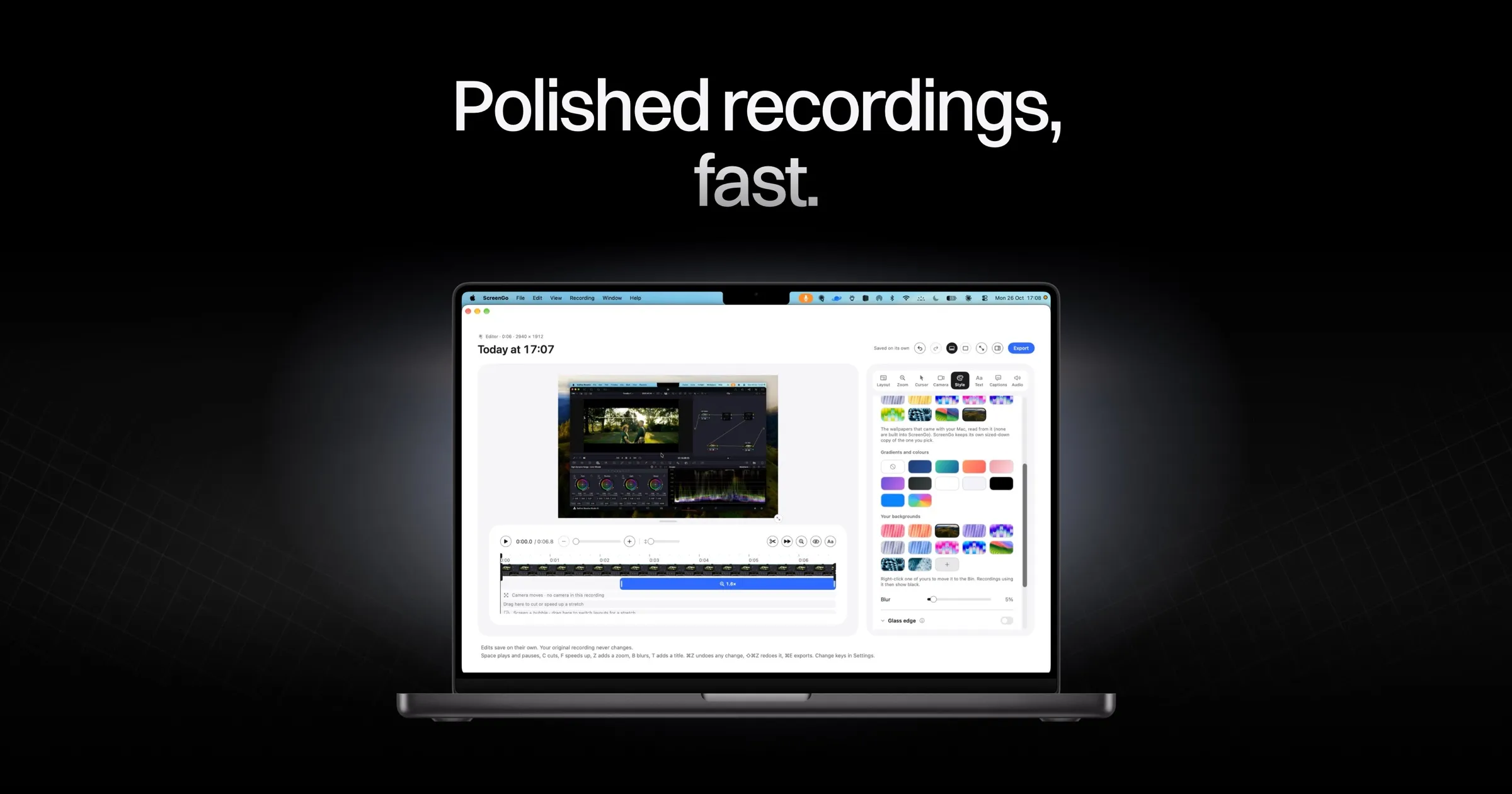
Shape the finished video
- Adjust automatic zooms and cursor effects, including the camera bubble's placement.
- Reframe a recording for widescreen, vertical or square layouts; add wallpapers, gradients or custom backgrounds.
- Add speech-generated captions, blur or pixelate private details, cut or speed up sections, and overlay titles or arrows.
- Improve voice audio with isolation and tone presets; give the camera a colour grade or imported
.cubeLUT.
Export or use it as a webcam
Export an MP4 up to 4K or an animated GIF, or copy the finished video to the clipboard. A separate webcam mode supplies ScreenGo's camera preview and colour treatment to Zoom, Google Meet, FaceTime and compatible video apps.
Compatibility and limitations
ScreenGo costs $34.99 once on the Mac App Store, with updates included for version 1. It requires macOS 26 or later and Apple silicon (M1+); Intel Macs are unsupported. It needs relevant macOS recording, camera, microphone and speech-recognition permissions.
There is no account or built-in cloud sharing. Files remain on the Mac, while Apple's speech service may process audio for languages without on-device recognition. The current editor cannot combine multiple recordings into one project or add a voiceover afterward, and it does not generate share links.
More ways to build your Mac setup
Editorial collections for putting together a more useful Mac setup.