🚀 We're still curating great Mac apps. Official launch: November 12, 2026.


Rabbit Link
Connect your Android phone to your Mac for notifications, clipboard sync, file sharing, and media access.
Rabbit Link connects an Android phone to a Mac, bringing phone notifications, files, and shared content into a desktop app. It combines macOS-style notification alerts with clipboard syncing, media browsing, and file transfers. The developer says device-to-device communication is encrypted and does not rely on a cloud relay.
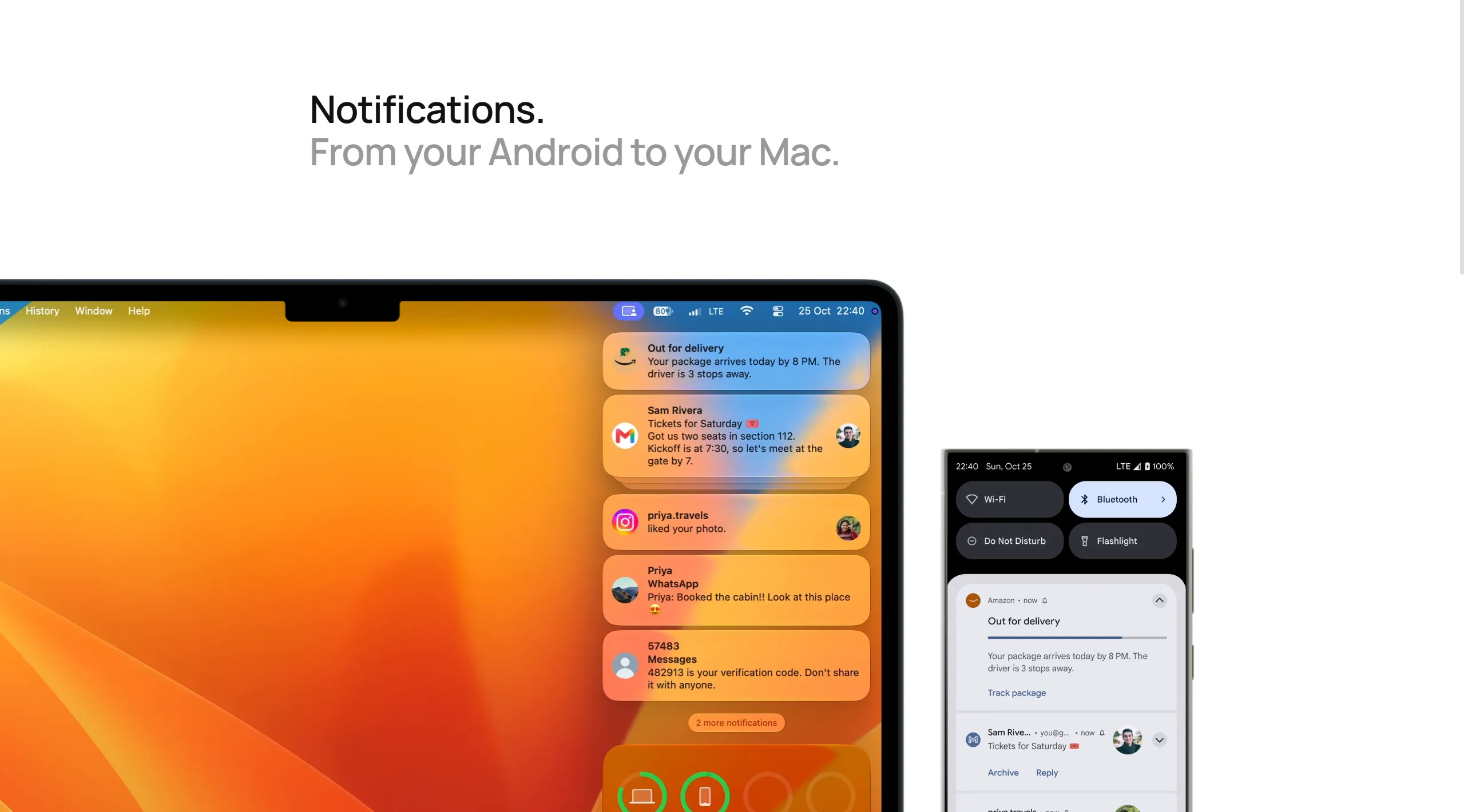
Android notifications on your Mac
Notifications from the phone appear on macOS, so messages and other alerts can be checked without switching screens. Rabbit supports replying to compatible notifications and opening links from notifications in the Mac browser.
Sharing files, clipboard content, and media
- Clipboard: Move copied text and links between the phone and Mac.
- Files: Send documents, images, and other files between devices.
- Photos and video: Browse phone media and stream videos on the Mac.
- Audio: Stream audio playing on the Android device to the Mac.
Rabbit supports connections over Wi-Fi and Bluetooth, although the available experience can depend on the connection and device.
Requirements and licensing
Rabbit requires a Mac app and a companion Android app. The developer lists macOS 14.6 or later for its direct-download version. A five-day trial is available; regular licensing options are $29 for one year or $49 for lifetime access, before any temporary discounts. Currently, a connection is limited to one Android phone and one Mac, with a separate license required for each Mac. The developer has discussed expanding multi-device support but has not presented it as an existing feature.
More ways to build your Mac setup
Editorial collections for putting together a more useful Mac setup.