

Edist
Native Typst editor for Mac with live PDF previews and no compiler setup.
Edist is a native macOS editor for Typst, a typesetting platform built on top of markup that is used to generate precisely formatted PDF documents. It combines the editor of the source code, live document preview, and Typst compiler chain into a single application, enabling users to write research notes and technical reports without installing any additional compiler.
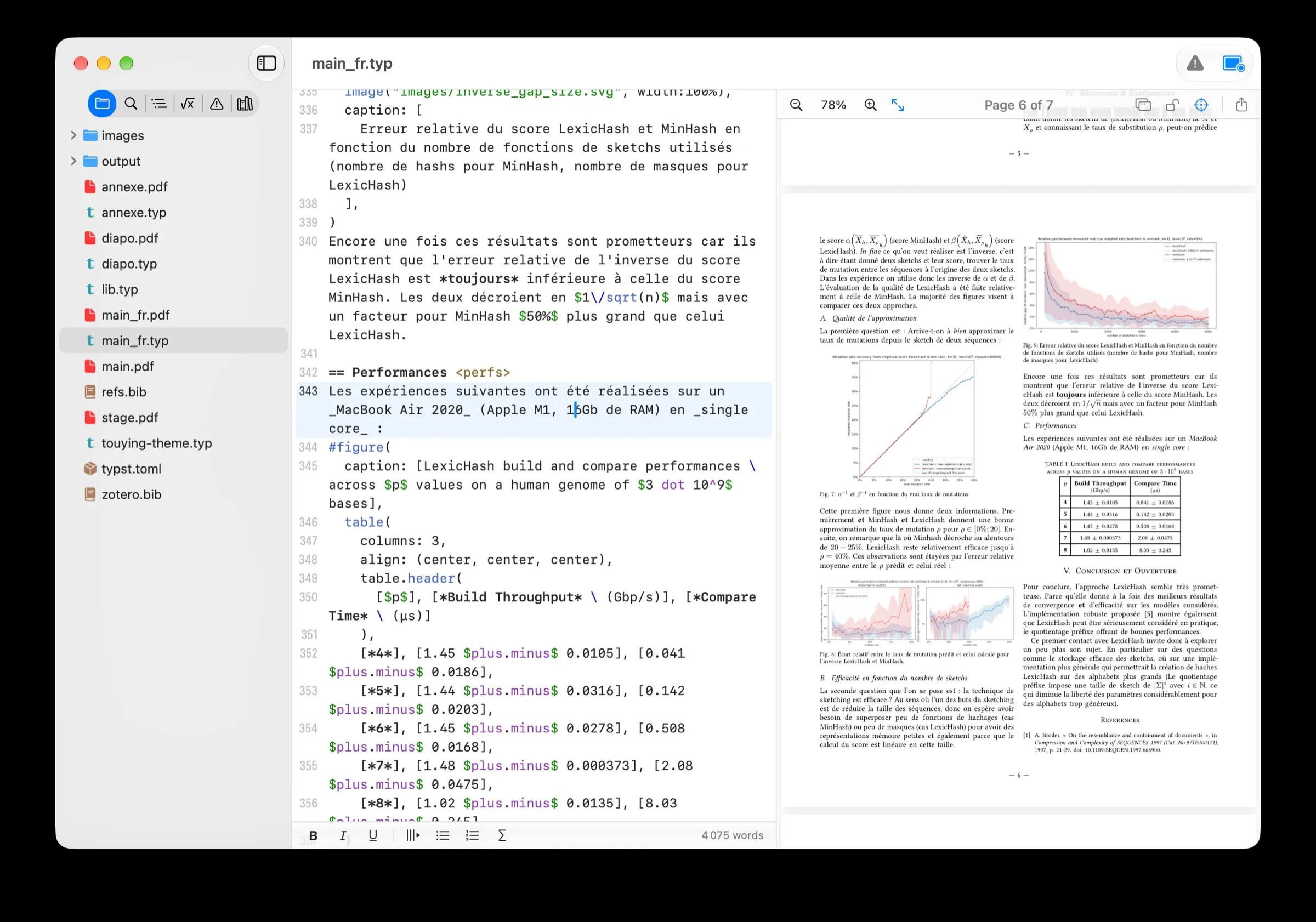
Edit side by side with a live PDF
Edist displays the source code of Typst along with the document preview, updating it in real-time during typing. The features of its editor include:
- Syntax highlighting and context-sensitive command suggestions in Typst language.
- Inline errors and warnings, plus built-in spell checking.
- Two-way navigation: clicking on any piece of text in the document preview lets you edit the source code, and vice versa.
- A detachable preview window, Vim bindings and customizable editor themes.
Work across files and references
In addition, for more complex documents Edist supports tabbed browsing, file navigator, document-wide search, and document outline. It supports images and bibliographies, has a built-in editor of BibTeX libraries, handwriting-based math symbol recognizer, and community packages of Typst. The fonts installed in macOS are available in documents.
Local editing and licensing
Edist is designed for offline writing rather than real-time collaborative editing. It uses Typst instead of LaTeX, meaning that if researchers require source code in LaTeX format, then the submission guidelines should be consulted.
The app provides a trial period of 7 days with full access to all features. The direct license is priced at €15 excl. VAT, one-off payment with further updates included and activation on one Mac at a time. The second option is Mac App Store Purchase which is connected to an Apple Account and usable only on Macs with that Apple Account logged in.
Edist
Build a better setup around Edist
Apps and workflows that pair well with Edist and help you do more with your setup.