

CleanMyMac
Clean up Mac storage, uninstall apps, scan for malware, and monitor system health.
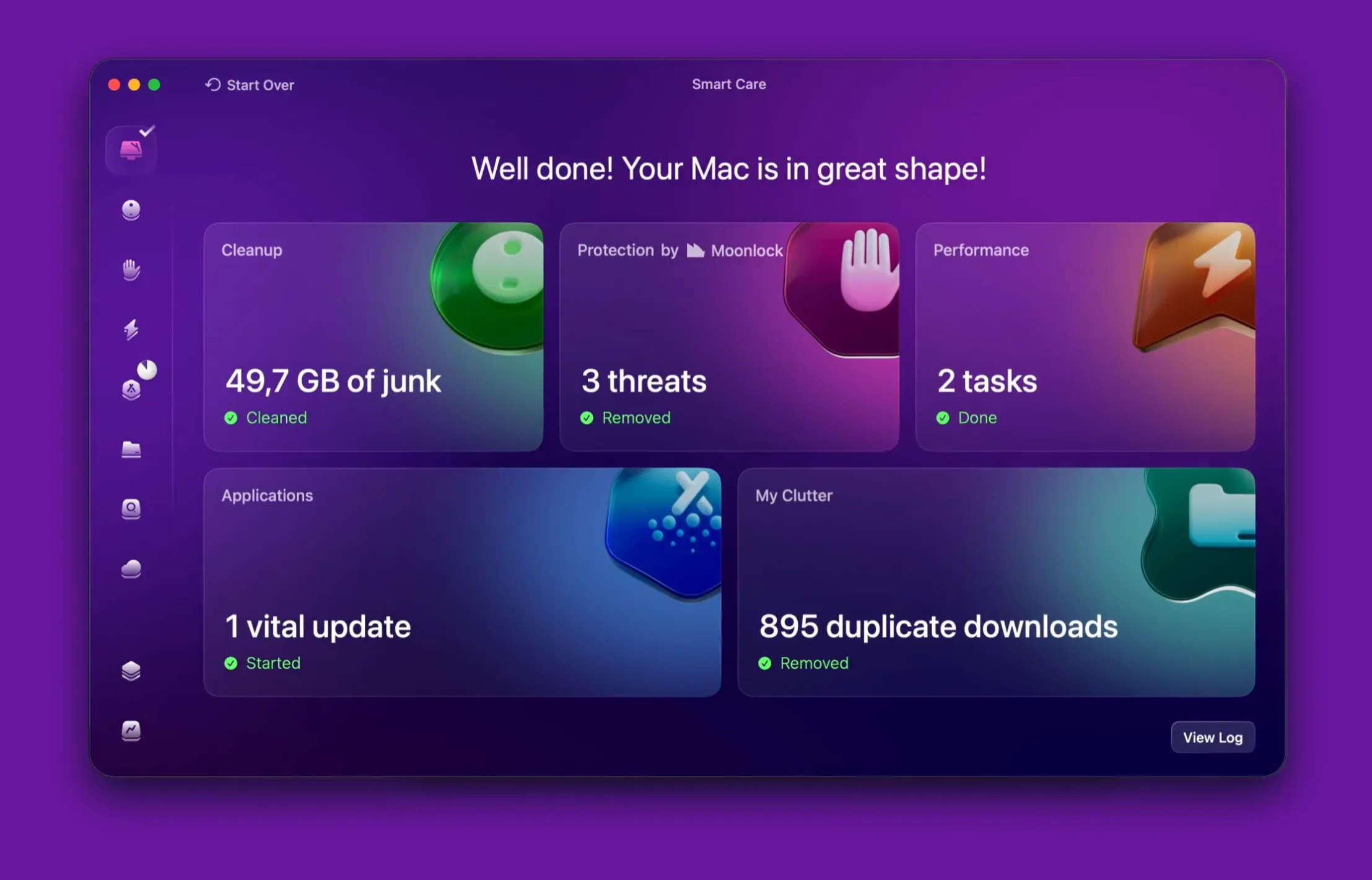
CleanMyMac is a macOS maintenance utility from MacPaw that combines storage cleanup, app management, malware scanning, and system monitoring. Its Smart Care scan checks several areas at once and suggests actions, while separate tools let users review specific files and tasks.
Find storage clutter
- Cleanup identifies removable caches, logs, mail attachments, and trash.
- My Clutter finds duplicate files, similar images, large or old items, and downloads.
- Space Lens maps folders by size to show where disk space is going.
- Applications uninstalls apps with associated leftovers and checks for supported app updates.
Protect, maintain, and monitor
The Protection module scans for malware and provides privacy-related cleanup. Performance offers maintenance tasks, while a menu bar panel shows information about CPU, memory, storage, battery, and network activity. Cloud Cleanup can review files in iCloud Drive, Google Drive, OneDrive, and Dropbox. Separate tools also help manage Gmail clutter and Chrome tabs.
Compatibility and purchase details
CleanMyMac runs on macOS 11 Big Sur or later, on both Intel and Apple silicon Macs. Thorough scanning may require Full Disk Access; review the items selected for deletion, especially when working with cloud files. The Mac App Store edition lacks certain system-cleaning and maintenance capabilities available through MacPaw or Setapp.
A 7-day full-feature trial is available. Paid options include monthly and annual subscriptions (starting at $39.95/year for one Mac in the US) and a one-time license. One-time purchases include fixes for the current major version, but not upgrades to future major versions. Malware scanning is one part of the suite rather than a guarantee of complete protection.
More ways to build your Mac setup
Editorial collections for putting together a more useful Mac setup.