🚀 We're still curating great Mac apps. Official launch: November 12, 2026.


Hey Mac
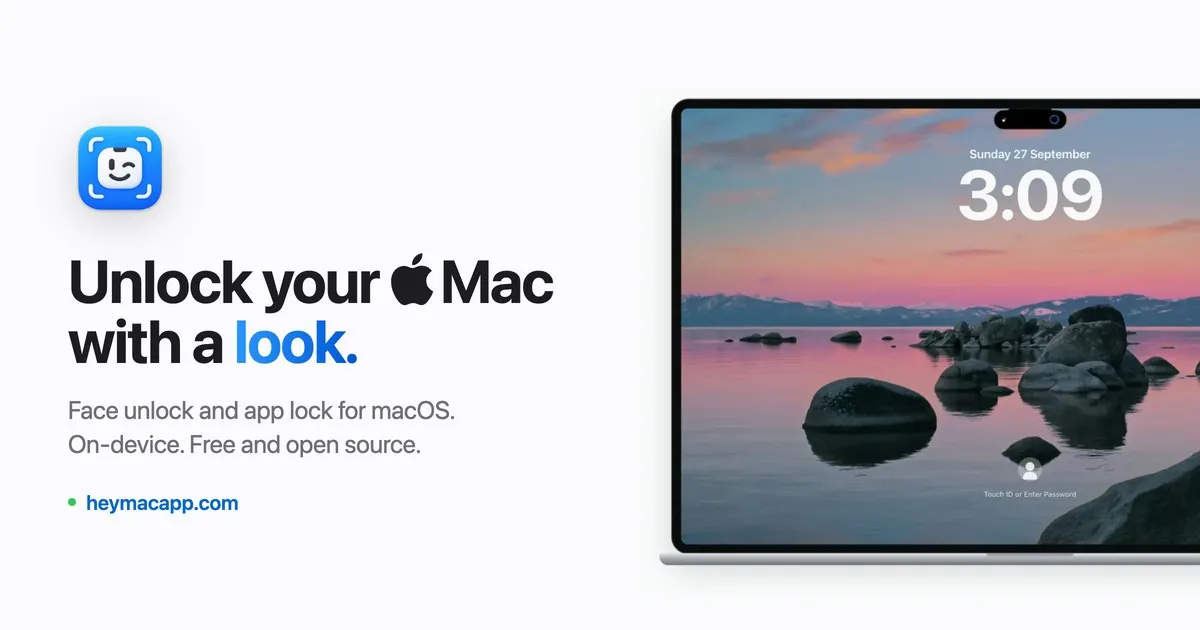
Unlock your Mac with your face and protect individual apps with facial recognition.
Hey Mac is a free, open-source macOS utility that uses your Mac's camera for face-based lock-screen unlocking and to restrict access to individual apps. It can recognize your face when you wake the computer, or place a verification shield over apps such as Messages, Notes, and Mail. It uses a regular camera rather than Apple's depth-sensing Face ID hardware.
Face unlock and individual app protection
- Lock-screen unlock: Look at the Mac after waking it. When Hey Mac recognizes you, it enters your saved login password to unlock the session.
- App Lock: Blur a protected app window or the entire display until you authenticate with your face, Touch ID, or your Mac password.
- Relock controls: Require verification whenever an app launches, after a 5–15 minute interval, or when returning to an app after switching away.
- Unlock feedback: Choose a full or minimal scan animation at the MacBook notch; on Macs without a notch, the indicator floats at the top of the screen.
Hey Mac also has menu bar controls for managing protection and pausing face recognition.
Privacy, permissions, and limitations
Facial recognition runs locally using Core ML and the Apple Neural Engine. According to the developer, Hey Mac does not save face photos or upload face data; encrypted enrollment data is stored on the Mac with Keychain protection. A liveness check helps reject photos and screens, but this is not equivalent to iPhone Face ID's depth-sensing security.
Lock-screen unlocking requires camera and Accessibility permissions and a locally saved Mac login password. App Lock can be used without enabling lock-screen unlock or saving that password. The app shield does not encrypt files or automatically hide notification previews.
Hey Mac requires macOS 14 Sonoma or later and an Apple silicon Mac; Intel Macs are not supported. It is available under the MIT license through GitHub downloads or Homebrew. Version 1.0.4 is not Apple-notarized, so macOS may require manual approval in Privacy & Security after verifying the download source.
Hey Mac
Build a better setup around Hey Mac
Apps and workflows that pair well with Hey Mac and help you do more with your setup.