

Jumper
Find shots and spoken dialogue in video footage with local AI search for professional editors.
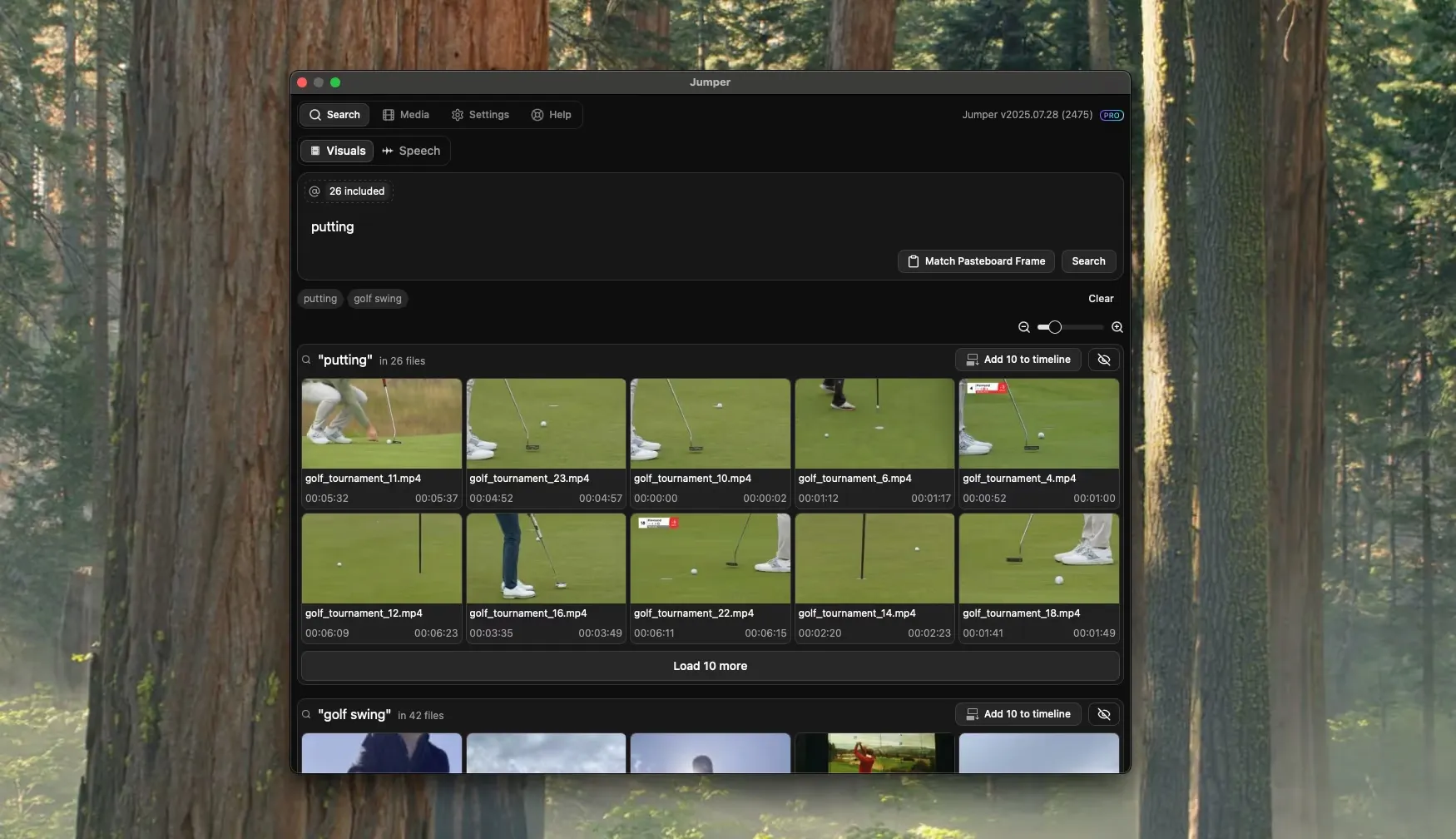
Jumper is a local AI footage-search app for video editors. It indexes video and audio so users can find specific shots or spoken moments with a text query instead of manually scrubbing through clips. It works as a standalone desktop app or alongside Adobe Premiere Pro, Final Cut Pro, DaVinci Resolve Studio, and Avid Media Composer.
Search footage and build selects
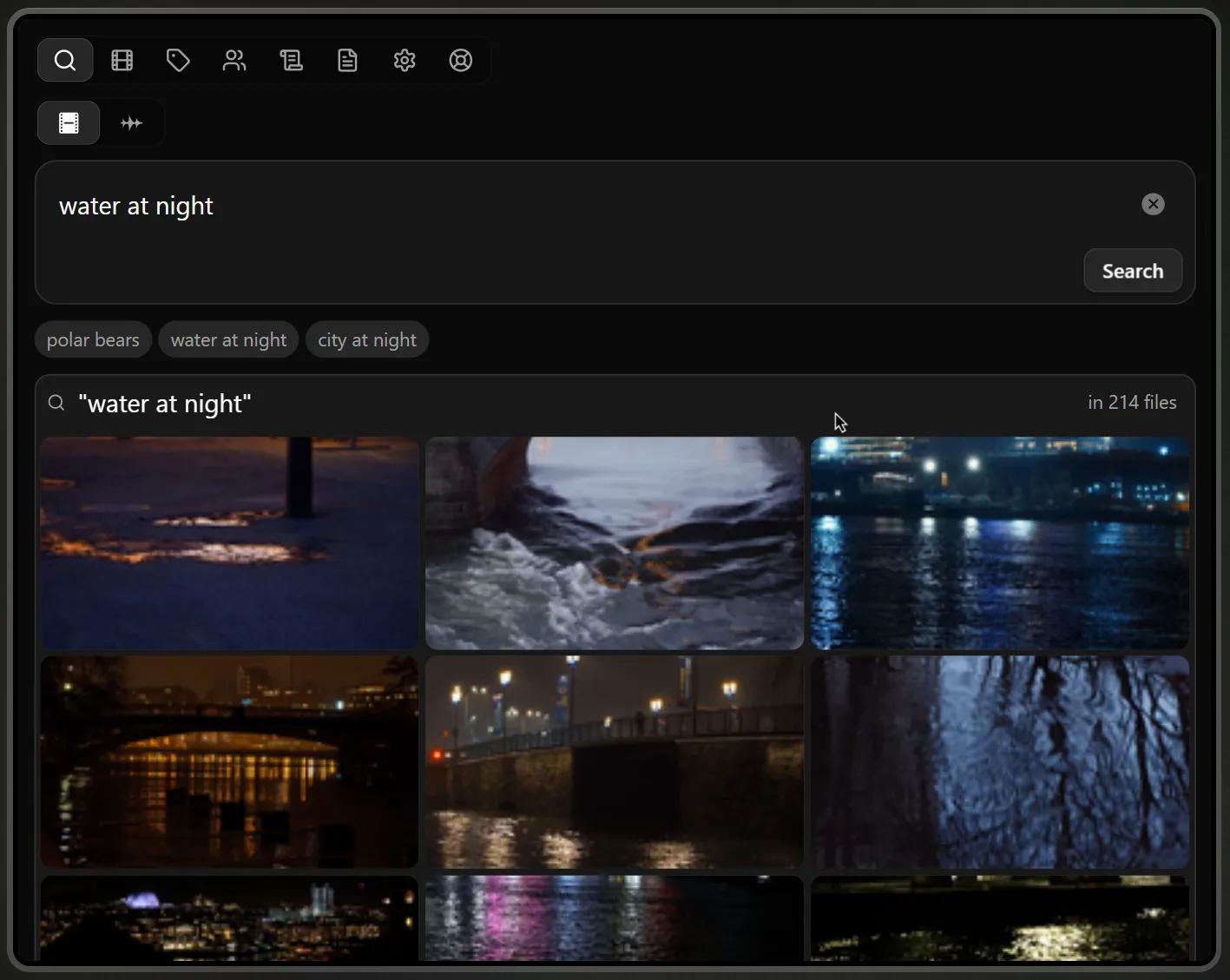
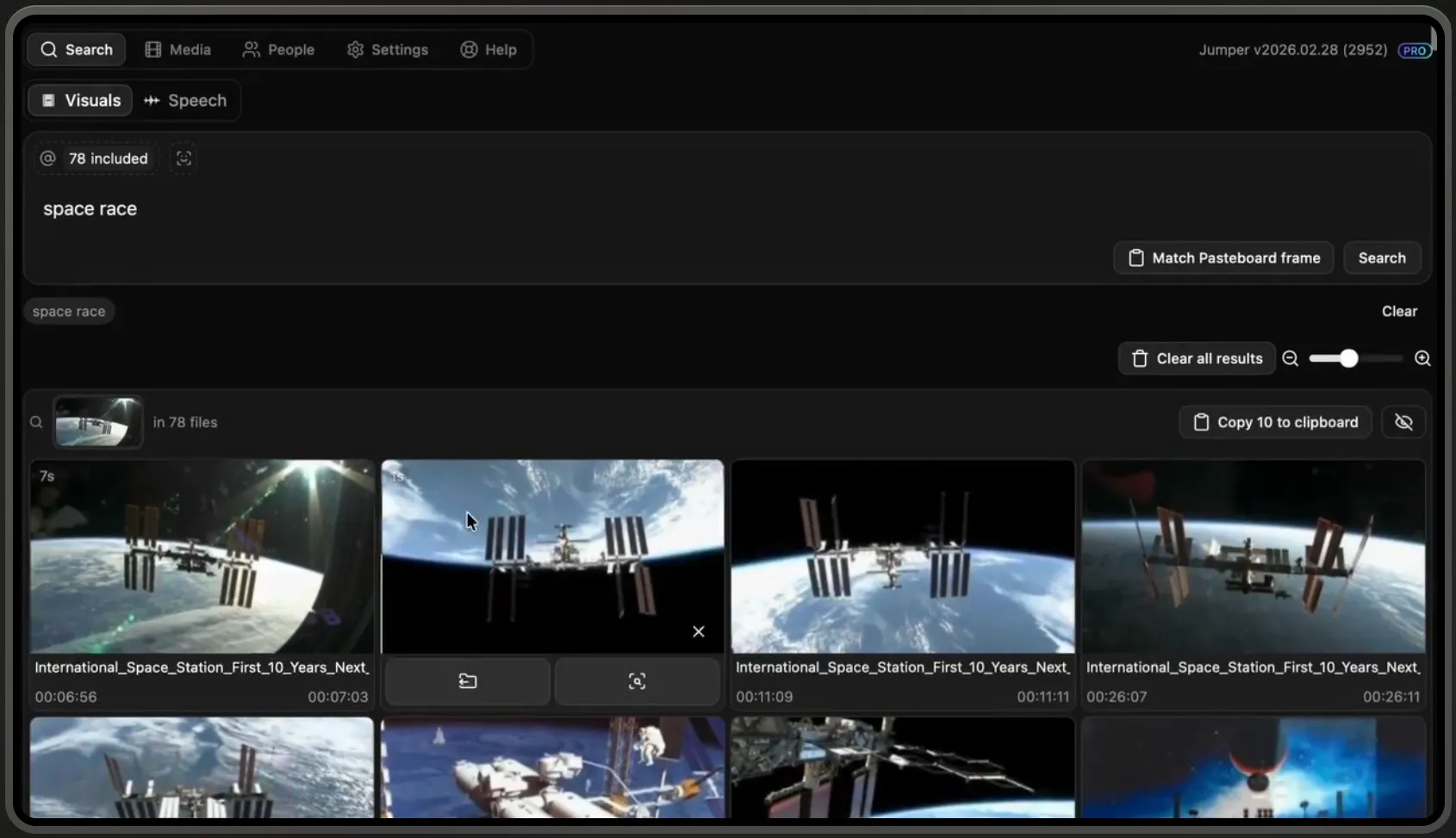
- Visual search: Describe a scene, subject, or action to find matching moments in analyzed footage.
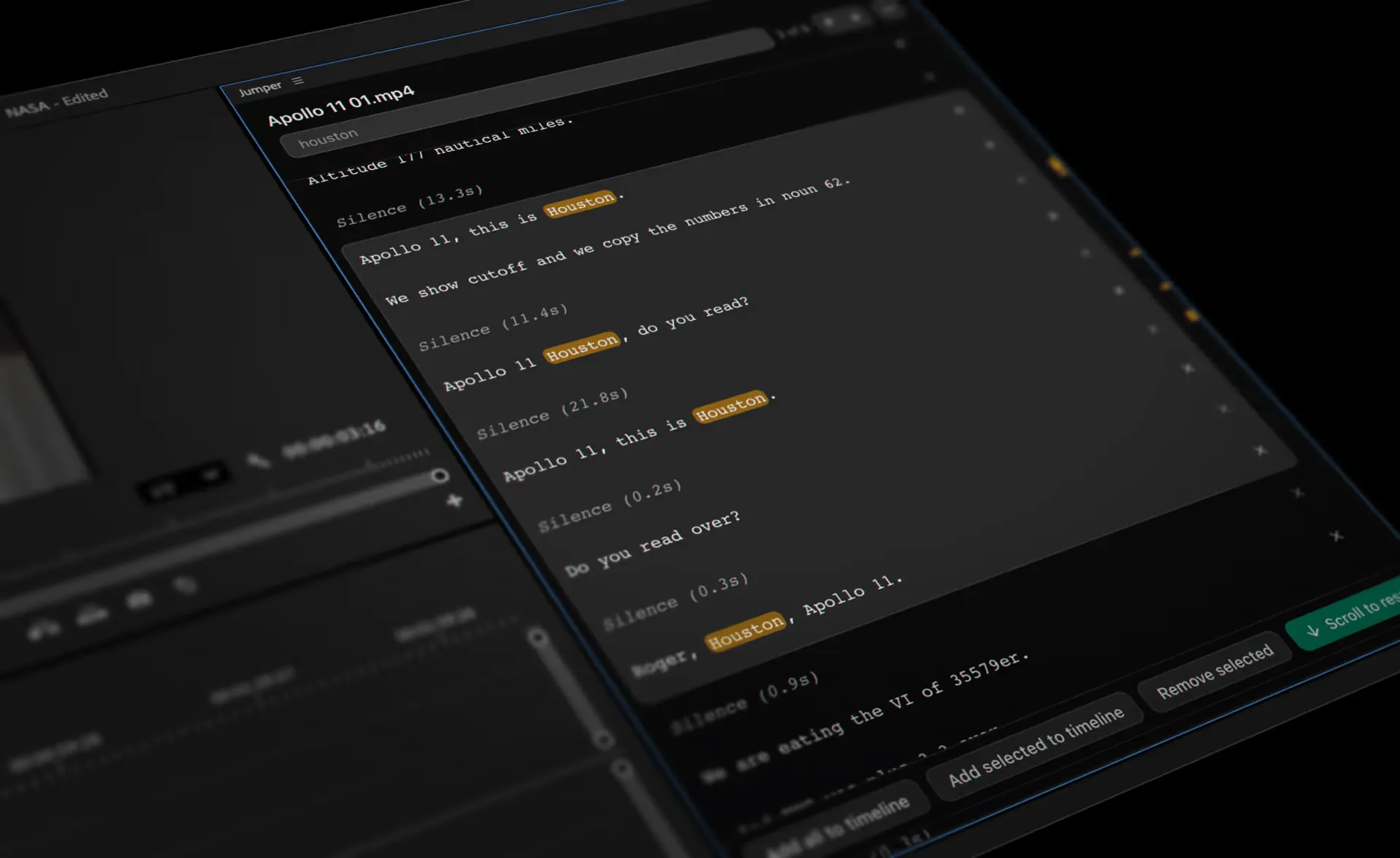
- Speech search: Transcribe audio locally, then search for words and dialogue across clips.
- Script Editor: Review and correct transcripts, select useful passages, and send those sections into an editing workflow.
- Cross-project search: Search analyzed media across projects and drives, including indexed footage on a disconnected drive. The source drive must be reconnected to open its files.
- Timeline search: Find content within an open editing sequence as well as source media.
Jumper Pro adds people search with face recognition, automated Watch Folders, shared analysis between machines, and integrations with AI agents through MCP (Model Context Protocol). These are not included in the standard license.
Local processing and compatibility
Media analysis and search run on the computer without uploading source footage. Files must be analyzed before they can be searched; processing time depends on hardware and media. Jumper supports Apple Silicon and Intel Macs running macOS Sonoma 14 or later. The DaVinci Resolve integration requires the paid Studio edition, and its macOS plugin currently supports Apple Silicon rather than Intel. The Final Cut Pro integration requires macOS permissions, including Accessibility and Full Disk Access.
Trial and licenses
The free trial allows 40 searches, with no limit on the amount of media analyzed. The standard license costs $169 as a one-time purchase and includes one year of updates; it remains usable afterward. Jumper Pro offers monthly, yearly, and lifetime licenses. A license can be active on one computer at a time. Model downloads and license checks need internet access; paid licenses require online revalidation about once a week.
Jumper
Build a better setup around Jumper
Apps and workflows that pair well with Jumper and help you do more with your setup.