

Resurf
Save bookmarks, notes, screenshots, and PDFs in a local-first Mac library with full-text search and optional iCloud sync.
- AI Agents
- AI Summarization
- Browser Extension
- Freemium
- iCloud Sync
- Knowledge Base
- Local First
- Native Mac
- Note Taking
- OCR
- One-Time Purchase
- Web Clipper
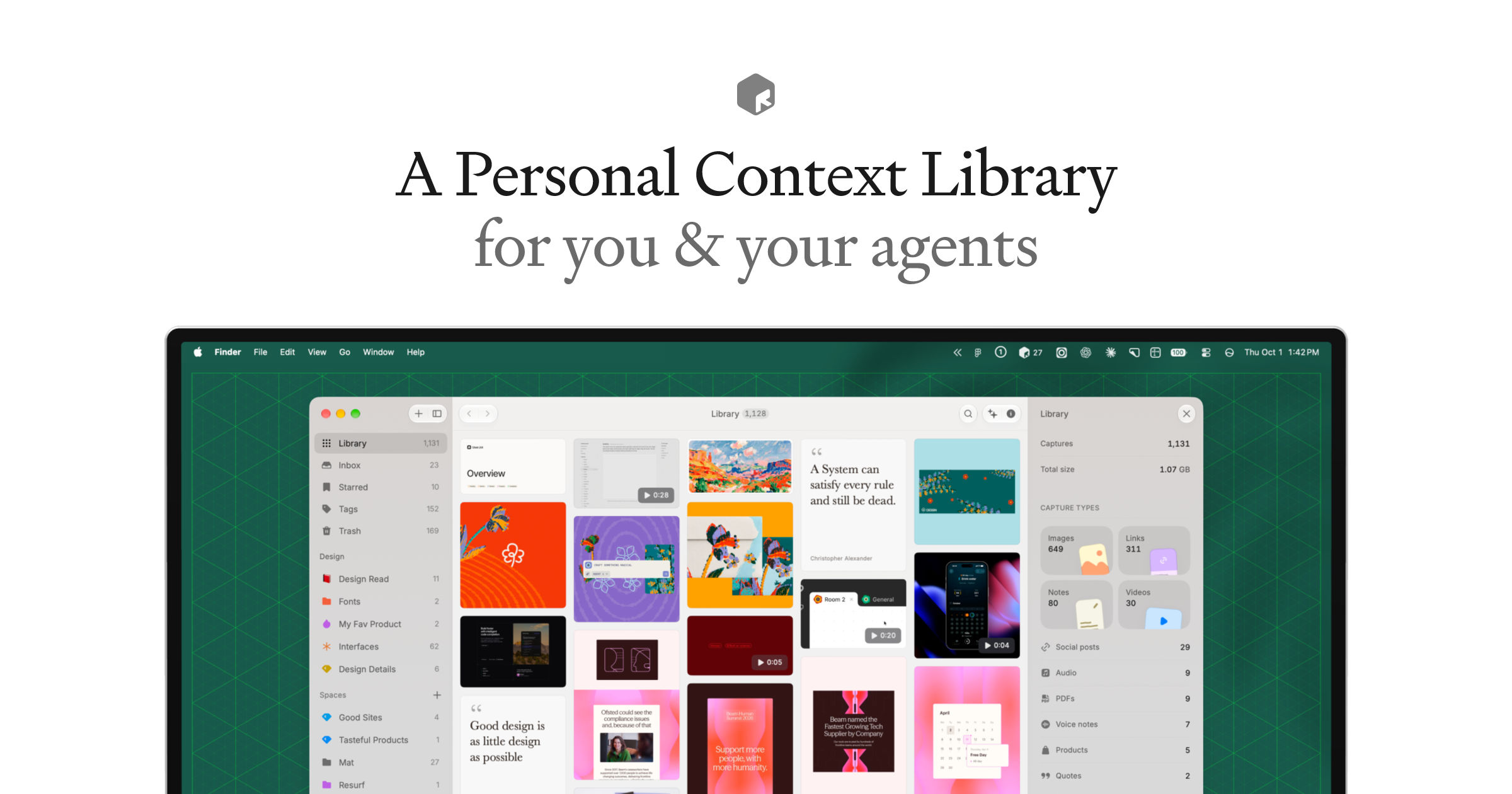
Resurf is a local-first personal knowledge library for Mac that brings bookmarks, articles, notes, screenshots, PDFs, images, audio, video, and other files into one searchable place. Its distinguishing approach is to keep the working library on the device, with optional private iCloud sync to the companion iPhone and iPad apps.
Capture now, organize later
- Save links, selected text, screenshots, voice notes, and files with Mac shortcuts, drag and drop, the menu bar, or a Chrome extension.
- Let new captures land in an Inbox, then arrange them using Spaces, tags, and stacks.
- Browse visual previews, read saved articles, highlight and annotate PDFs, and create formatted notes stored as Markdown.
Search and work with saved context
Local full-text search covers notes, article and PDF text, voice transcripts, and text extracted from images and screenshots with OCR (optical character recognition). Optional AI features can summarize captures and answer questions about the library using a user-provided API key. Mac users can also connect AI tools such as Claude, Cursor, and Codex through MCP (Model Context Protocol) or the command-line tool; MCP access is read-only by default.
Storage, requirements, and licensing
Resurf works offline without a Resurf account. Sync uses the user's own iCloud account; enabling cloud AI sends relevant selected content to the chosen provider. The Mac app requires macOS 14.3 or later on Apple Silicon or Intel. Screen Recording and Microphone permissions are used for screenshot and voice capture. There is no Windows, Android, or web version, and no shared-library collaboration.
The Mac free tier allows 50 captures and 4 Spaces indefinitely. A one-time Pro license unlocks unlimited captures and Spaces on up to two Macs: Standard includes two years of updates, while Lifetime includes all future updates. AI provider usage is billed separately. The iPhone and iPad apps are free without capture limits; the Mac app is downloaded from Resurf's website.
More ways to build your Mac setup
Editorial collections for putting together a more useful Mac setup.