🚀 We're still curating great Mac apps. Official launch: November 12, 2026.


Copy Haste
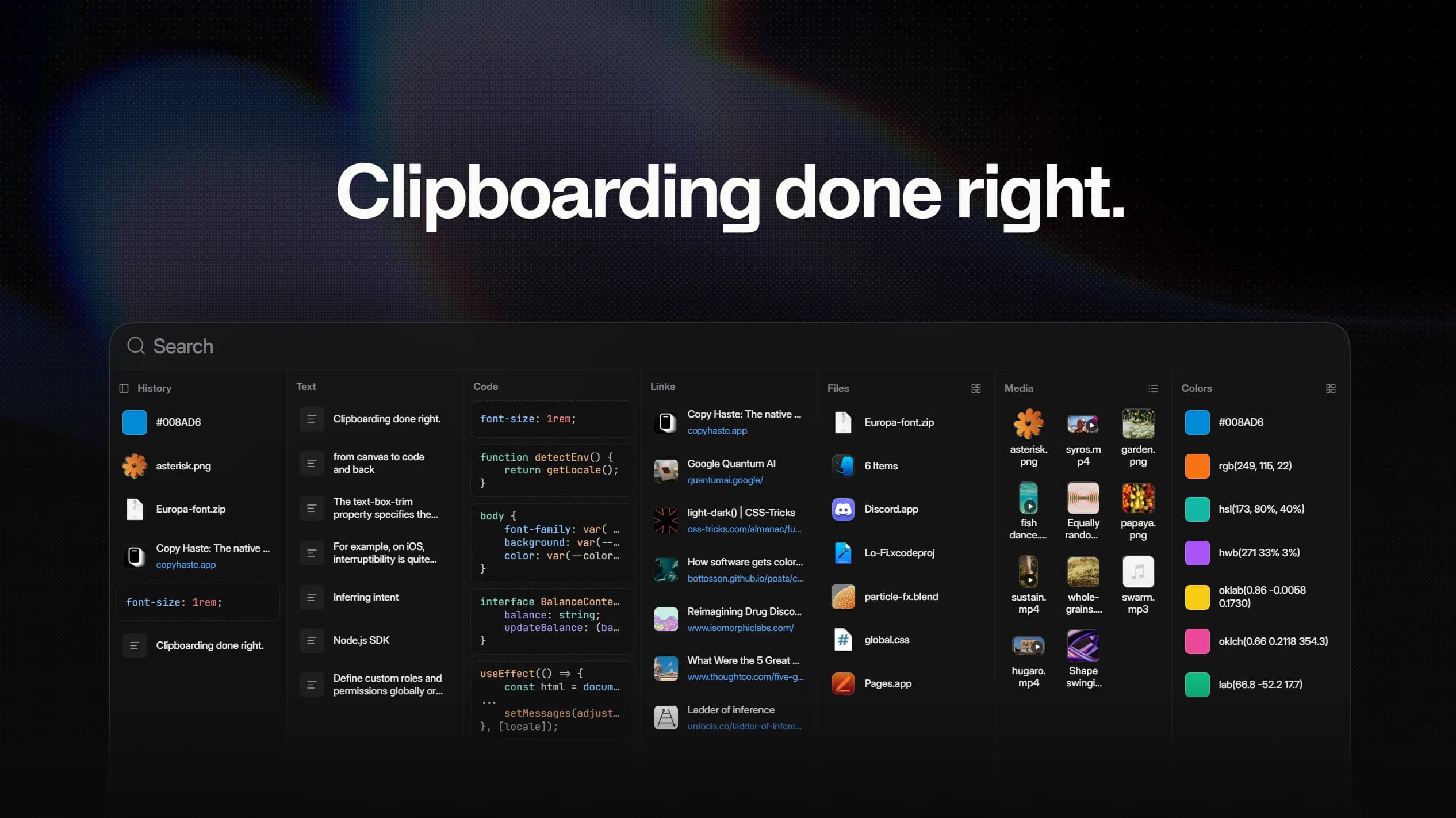
Clipboard history organized by type, from text and code to files, media, and colors.
Copy Haste is a macOS clipboard manager that organizes copied content by type rather than relying on one long list. Its searchable history separates text, code, links, files, media, and colors so previously copied items are easier to find and reuse.
More than a list of copied text
- Code: Premium detects programming languages on-device and displays snippets with syntax highlighting.
- Colors: Recognizes 20+ formats, including RGB, HSL, OKLCH, CMYK, UIColor, and SwiftUI Color, and lets you paste a color in another format.
- Files and media: Keeps a selection of Finder files or a folder together, and handles copied images, audio, and video with previews.
- Search and pins: Find older entries, pin frequently reused items, switch between list and grid layouts, and use keyboard shortcuts.
- Links: Shows URL previews and removes common tracking parameters from copied links.
Privacy, permissions, and pricing
Clipboard history is stored locally without cloud sync. Link previews are an exception to fully offline operation: the app contacts the linked website to fetch metadata. Password filtering and custom URL exclusions are Premium features; the adult-link filter supports Chrome-based browsers, but not Safari or Firefox. Automatic click-to-paste requires macOS Accessibility permission; manual Command-V pasting works without it.
Copy Haste requires macOS 26 or later. The permanent free tier stores up to 50 items, while the $6.99 one-time Premium upgrade raises the limit to 200 and unlocks advanced features. A 30-day trial includes Premium features, and a personal licence covers up to three Macs with future updates included.
More ways to build your Mac setup
Editorial collections for putting together a more useful Mac setup.