🚀 We're still curating great Mac apps. Official launch: November 12, 2026.


Glance
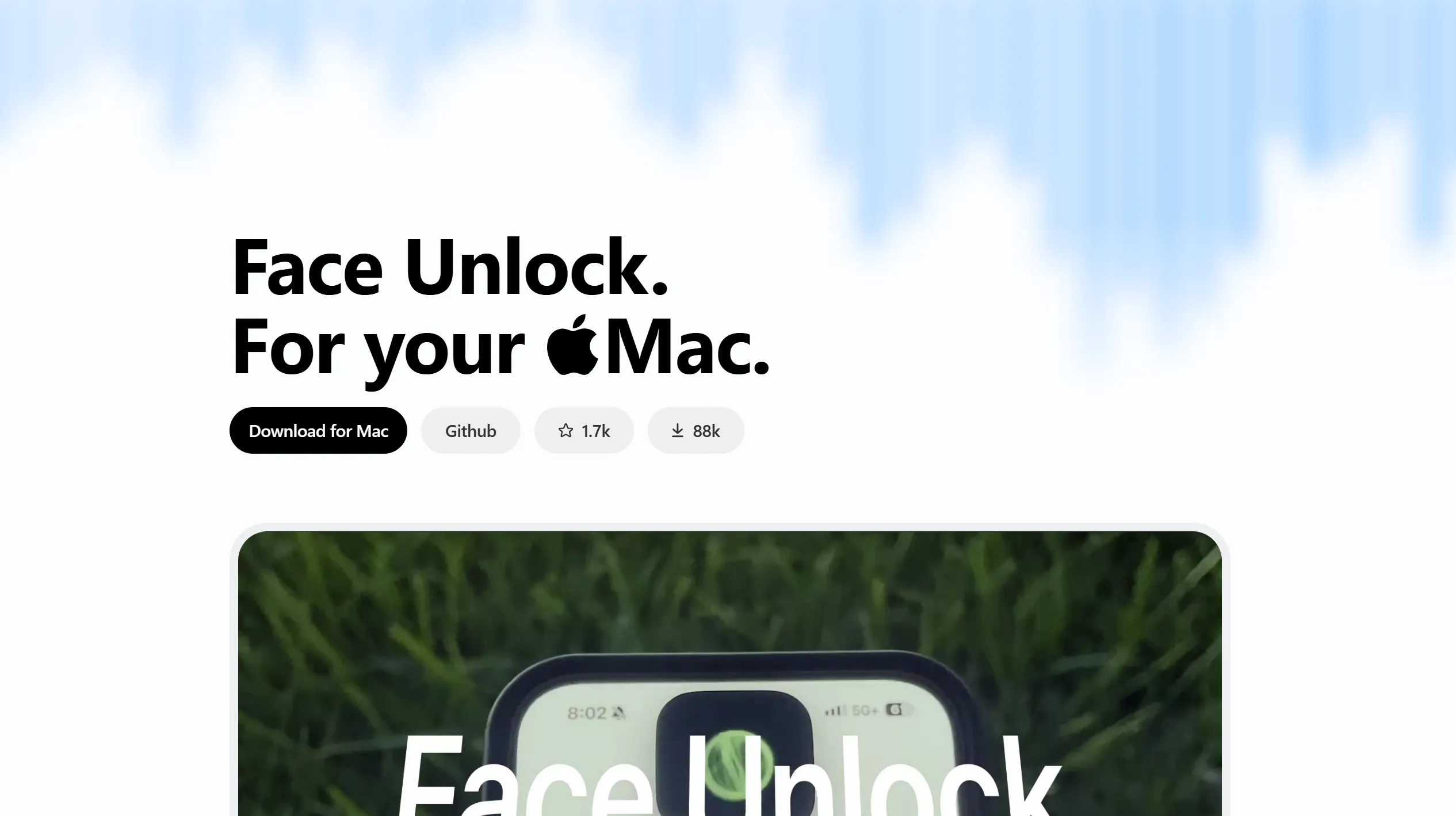
Unlock your Mac with on-device face recognition and a Dynamic Island-style notch interface.
Glance is a free, open-source face-unlock utility for macOS that recognizes you through a webcam and enters your saved Mac password at the lock screen. Face recognition runs locally using Apple’s Vision and Core ML frameworks, with a Dynamic Island-style scanning interface in the MacBook notch or a floating pill on notchless Macs.
Unlock with your face
During setup, Glance captures your face from several angles and converts the images into an encrypted mathematical representation rather than storing the photos. Once authorized, it can scan when your Mac locks, wakes from sleep, or when you press the space bar at the lock screen.
Adjust recognition and the interface
- Multiple identities: Enroll other people or alternate appearances, such as glasses or different lighting, and enable or disable each enrollment separately.
- Liveness checks: Choose light or heavy checks that look for signs of a real face rather than a photo, or disable them.
- Camera selection: Choose a camera, including separate choices for a built-in screen and an external display.
- Notch controls: Show scanning and result animations, hover to retry, use trackpad haptics, or hide the visual effects.
- Session timeout: Set when an authorized session must be unlocked again with Touch ID or your device password.
Understand the security trade-off
Glance keeps face recognition data and credentials on the Mac, encrypts saved data, and protects its encryption key through macOS Keychain. It needs Camera permission to recognize faces and Accessibility permission to type the saved password.
Glance is a convenience tool, not a replacement for Face ID or Touch ID. A regular webcam lacks Apple's depth sensors, and the developer warns that video recordings can fool its liveness checks. Because macOS does not let third-party apps authenticate directly at login, Glance types your stored password instead.
Glance supports Apple silicon and Intel Macs running macOS 15 Sequoia or later. It is distributed as a free download from GitHub under the MIT open-source license.
Glance
Build a better setup around Glance
Apps and workflows that pair well with Glance and help you do more with your setup.