

Classycal
A keyboard-first Mac calendar and Apple Reminders manager with a global command bar and menu-bar agenda.
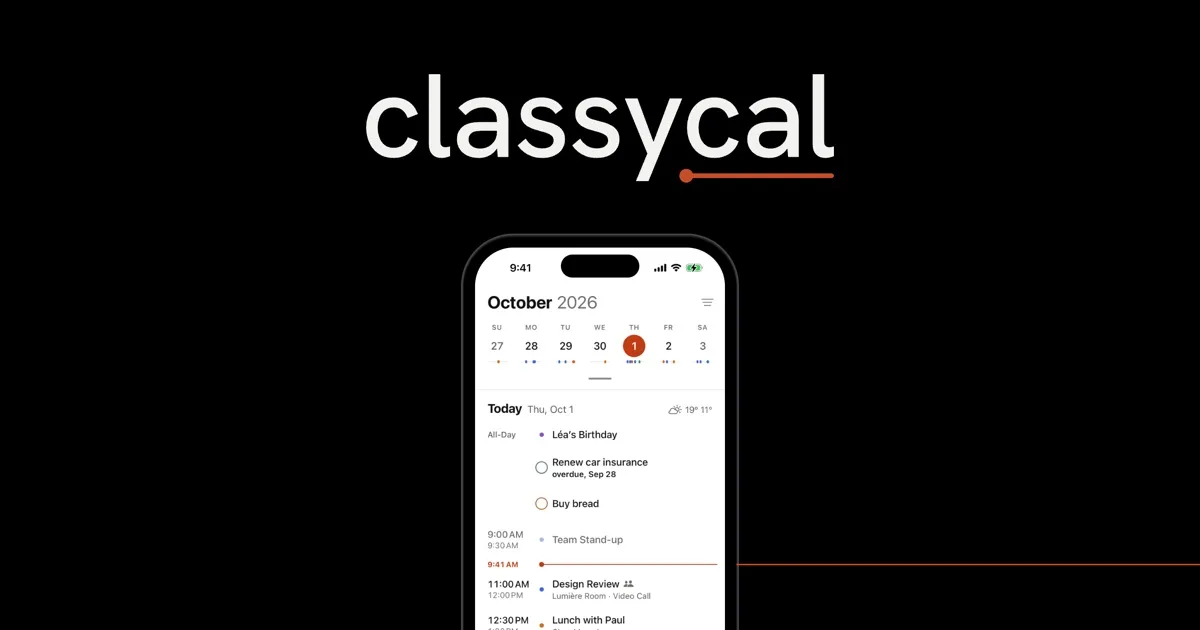
Classycal is a native calendar and task manager for Mac and iPhone that brings scheduled events and Apple Reminders into one interface, without a separate calendar service. It uses calendar accounts already configured on the device, including iCloud, Google and Exchange.
Quick entry from anywhere
- Press Option–Command–K from another Mac app to open a command bar. Type an event or task in natural language, search, or jump to a date; use
/calendarnameto choose a calendar. - See the next meeting and a call-joining button in the menu bar, or open a mini calendar with agenda, day, week, month and task views.
- Customize shortcuts, drag to create or resize events, import .ics files and use desktop widgets.
Calendars and Apple Reminders together
Calendar sets filter which schedules appear, while Apple Reminders supplies task lists, priorities and due dates. Dated reminders can appear beside events; search covers both. Templates and tags help organize repeated plans, with settings, sets and tags syncing through the user's own iCloud between Mac and iPhone.
Privacy and practical limitations
Classycal needs access to calendars and reminders. Its published policy says it has no user accounts, tracking or app analytics; existing calendar services handle their own syncing. Optional weather and travel alerts use Apple services and may require location access. An optional local MCP server lets compatible AI tools work with the calendar on the Mac, but Classycal has no built-in AI assistant.
The Mac app requires macOS 26 or later and Apple silicon (M1 or newer); Intel Macs are not supported. Sending meeting invitations still requires Apple's Calendar app. Tasks from services such as Google Tasks or Todoist do not appear as Apple Reminders.
Free calendar and Plus extras
The free tier includes core calendar and task features, plus the Mac command bar and menu bar. Plus adds templates, tags, additional themes, automatic calendar sets and other extras. A 14-day Plus trial is available. Through November 30, 2026, the announced launch offer is $10/year or $20 lifetime; standard prices are $20/year or $60 lifetime. One Plus purchase covers Mac and iPhone.
More ways to build your Mac setup
Editorial collections for putting together a more useful Mac setup.