

MacWall
Turn your Mac desktop into a live wallpaper with 4K video loops, multi-monitor controls, and optional Lock Screen playback.
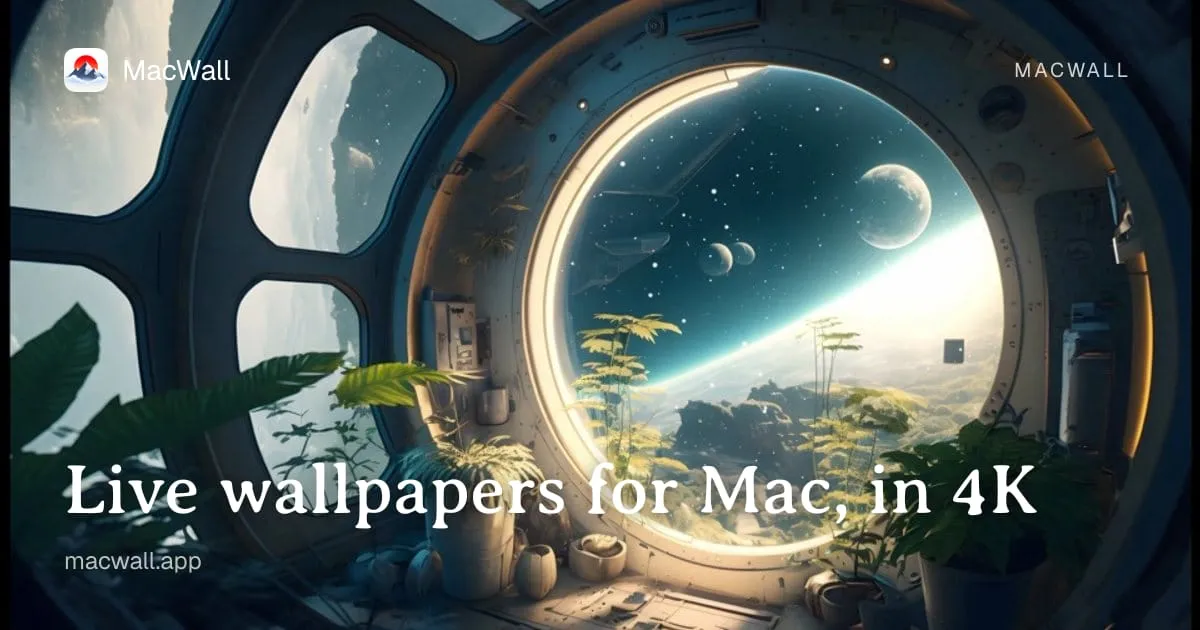
MacWall is a native macOS app for animated video wallpapers. It replaces a static desktop background with looping scenes from a catalog of more than 1,000 wallpapers, many in 4K, and lets you choose different animations for different displays.
Find and customize live wallpapers
Browse categories such as nature, anime, space, cars, and abstract art, or search with Command-K. Wallpapers can be saved as favorites, downloaded for offline playback, and shuffled automatically. A day schedule can change the wallpaper at selected times. Menu bar controls handle playback, sound, and switching without opening the main window.
Pro also lets you import your own MP4, MOV, or M4V videos as private wallpapers. Music Sync creates album-art-based visuals for tracks playing in Apple Music or Spotify; this optional feature requests additional macOS permissions. On Apple silicon MacBooks, the separate Bend effect responds to the laptop's lid angle.
Playback modes and requirements
Live wallpapers are compatible with macOS 15+. In macOS 26+ versions, System Wallpaper allows live wallpaper animations to be retained even after closing MacWall, including on the Lock Screen and screen saver. MacWall App mode needs the application to remain open but supports Lock Screen wallpaper separately.
MacWall utilizes hardware-accelerated video playback, suspends playback during full-screen applications, and includes power-saving options. Offline playback is possible with downloaded wallpapers, although downloads are not possible without an internet connection.
Trial and purchase
The 24-hour trial is offered once per Mac, requiring only an email address, no payment card required, and does not include importing your own videos. After the trial expires, the option to browse will still be available, but setting live wallpapers will require a Pro license. The normal Pro license will start at $12.99 USD as a one-time purchase for up to three Macs.
More ways to build your Mac setup
Editorial collections for putting together a more useful Mac setup.