Boom
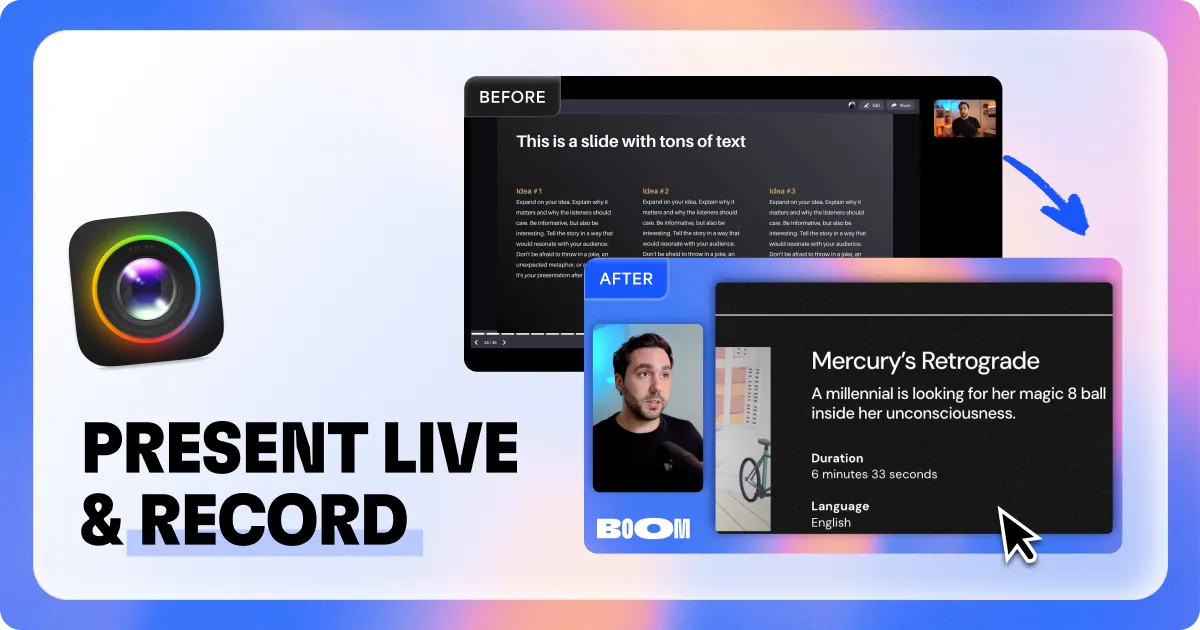
Present live, enhance your webcam, and record screen videos with real-time layouts.
Boom is a macOS app for live video presentations and screen recording. It combines a webcam, on-screen content, and visual effects into one output, so presenters can change layouts while speaking rather than build the whole video in an editor afterward. The same setup can be used for video calls, tutorials, and recorded demos.
Live layouts and screen recording
- Switch between camera-only, side-by-side, picture-in-picture, and full-screen layouts while presenting or recording.
- Zoom in on parts of the screen to direct attention, and add logos, lower thirds, custom backgrounds, timers, GIFs, or emoji reactions.
- Record the screen and camera together, or show an iPhone or iPad screen inside a device frame.
- Pause and resume recording, split or trim clips, and export finished videos in HD.
- Control layouts, zoom, and recording with a floating remote, keyboard shortcuts, or the Elgato Stream Deck plugin.
Webcam controls for video meetings
Boom installs a virtual camera that can be selected in Zoom, Google Meet, Microsoft Teams, and other compatible video apps. It works with built-in webcams, external cameras, and an iPhone used as a camera. Options include framing and exposure controls, background blur or replacement, and skin smoothing.
Compatibility, setup, and cost
Boom requires macOS 13 or later. Its recommended hardware is an Apple M1 or newer, or an Intel Mac from 2020 onward, with at least 16 GB of RAM. Setup requires an account, approval of the virtual camera extension, and permissions for features such as camera access and screen capture. Its live-first workflow suits presentations and quick recordings; extensive timeline editing is not its focus.
A free version and trial are available. On the developer's website, Pro costs $10 per month when billed annually, with a $360 lifetime option. Mac App Store and Setapp pricing may differ.
Boom
Build a better setup around Boom
Apps and workflows that pair well with Boom and help you do more with your setup.