
Timing
Automatically track time spent in Mac apps, documents, and websites, then organize it into project hours and timesheets.
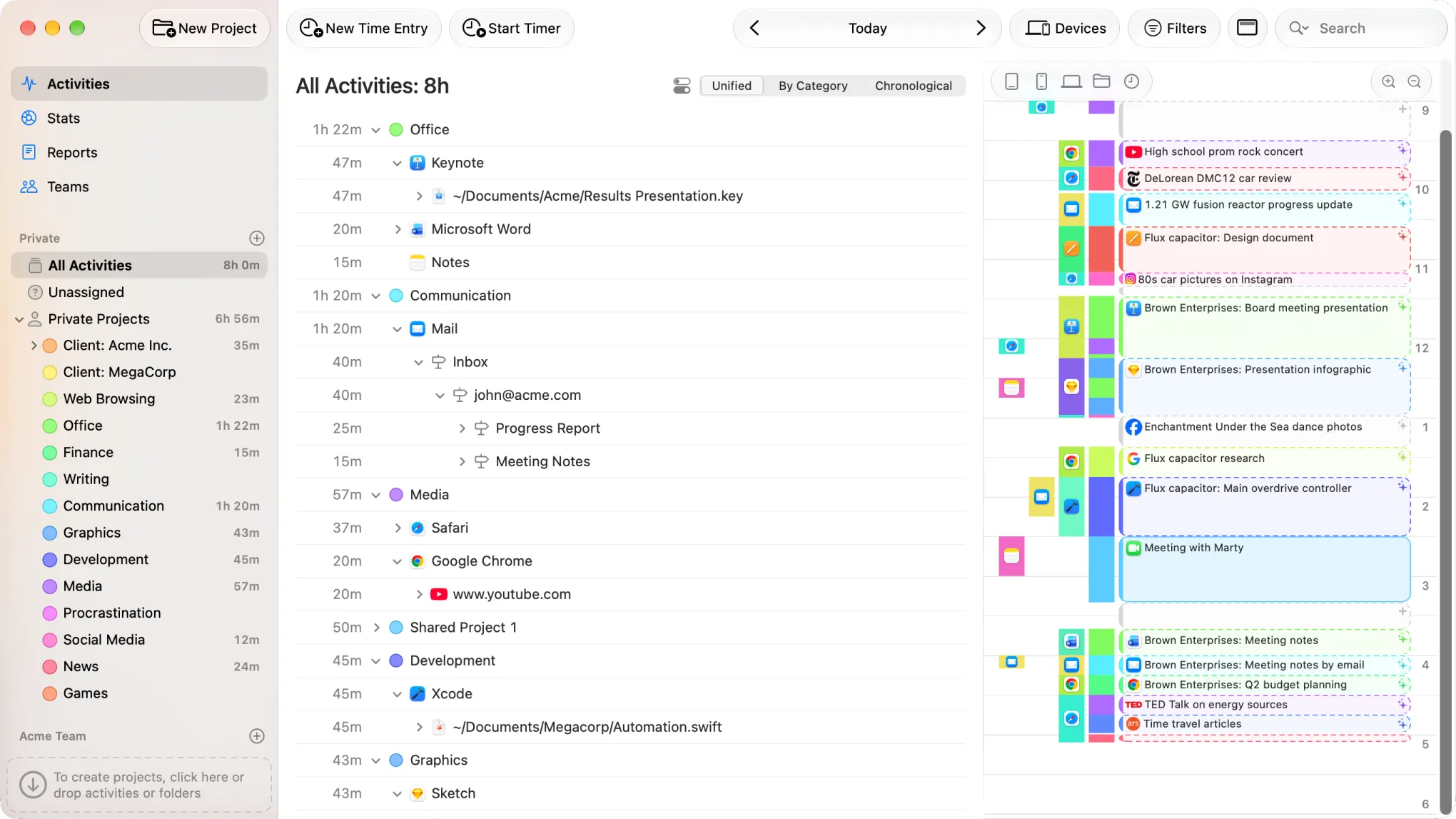
Timing is an automatic time-tracking app for macOS that records which apps, documents, and websites are active while you work. Instead of requiring a timer for every task, it builds a timeline that can be organized into projects and used to account for billable hours or review daily activity.
Turn activity into project time
- Automatic tracking: See time spent in applications, browser pages, and supported documents, including URLs and file paths where available.
- Projects and rules: Drag recorded activity into projects. Option-drag to create rules that assign similar future activity automatically.
- Manual time entries: Fill gaps with entries for calls, meetings, or work away from the computer; start/stop timers are also available.
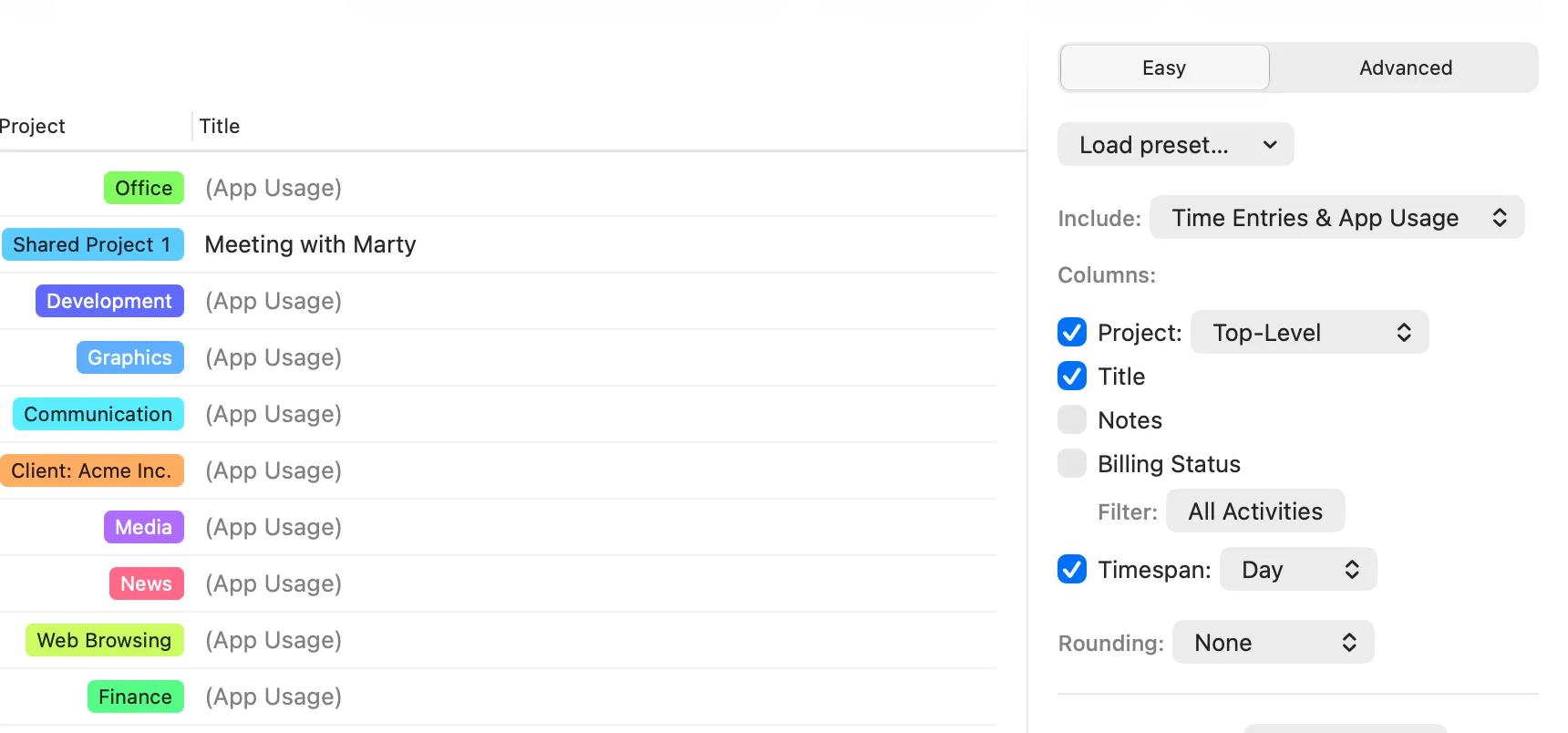
- Reports and exports: Review time by project and export reports as PDF, CSV, Excel, or HTML for timesheets and client billing.
Integrations and advanced workflows
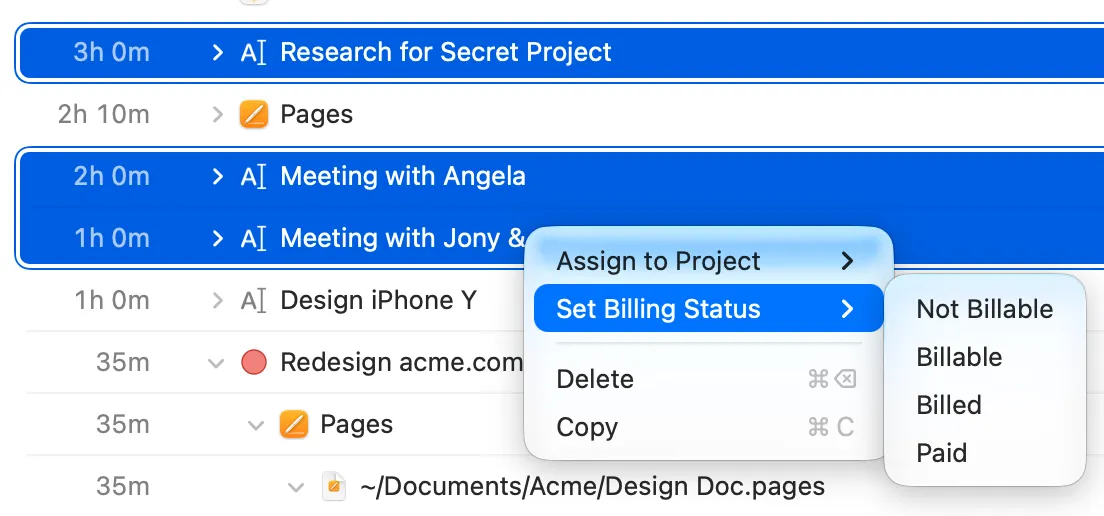
The Professional plan covers automatic tracking, manual entries, and basic reporting. Expert adds customizable reports, billable-time status, rounding, calendar and Reminders integration, meeting detection, and AI activity summaries. Connect adds shared team projects, integrations with ClickUp, Linear, and Clio, a web API, Zapier, and an MCP interface for AI agents. Features vary by subscription tier.
Privacy, setup, and pricing
Activity data stays on the Mac unless sync is enabled. Timing discards details from private browser tabs and lets users exclude activities. Detailed tracking needs macOS Accessibility permission and, for some apps, Automation or Screen Recording access to read window titles. Some recorded time will still need manual classification.
The latest Mac release requires macOS 14.4 or later and is downloaded outside the Mac App Store. Timing offers a 30-day free trial followed by subscriptions starting at $9/month with annual billing; monthly billing starts at $11/month. It is also available through Setapp, whose edition includes Expert features on the Mac but not the Timing web app.
Timing
Build a better setup around Timing
Apps and workflows that pair well with Timing and help you do more with your setup.