

Hush
Blur desktop clutter, dim distracting windows, and focus attention during Mac screen shares and presentations.
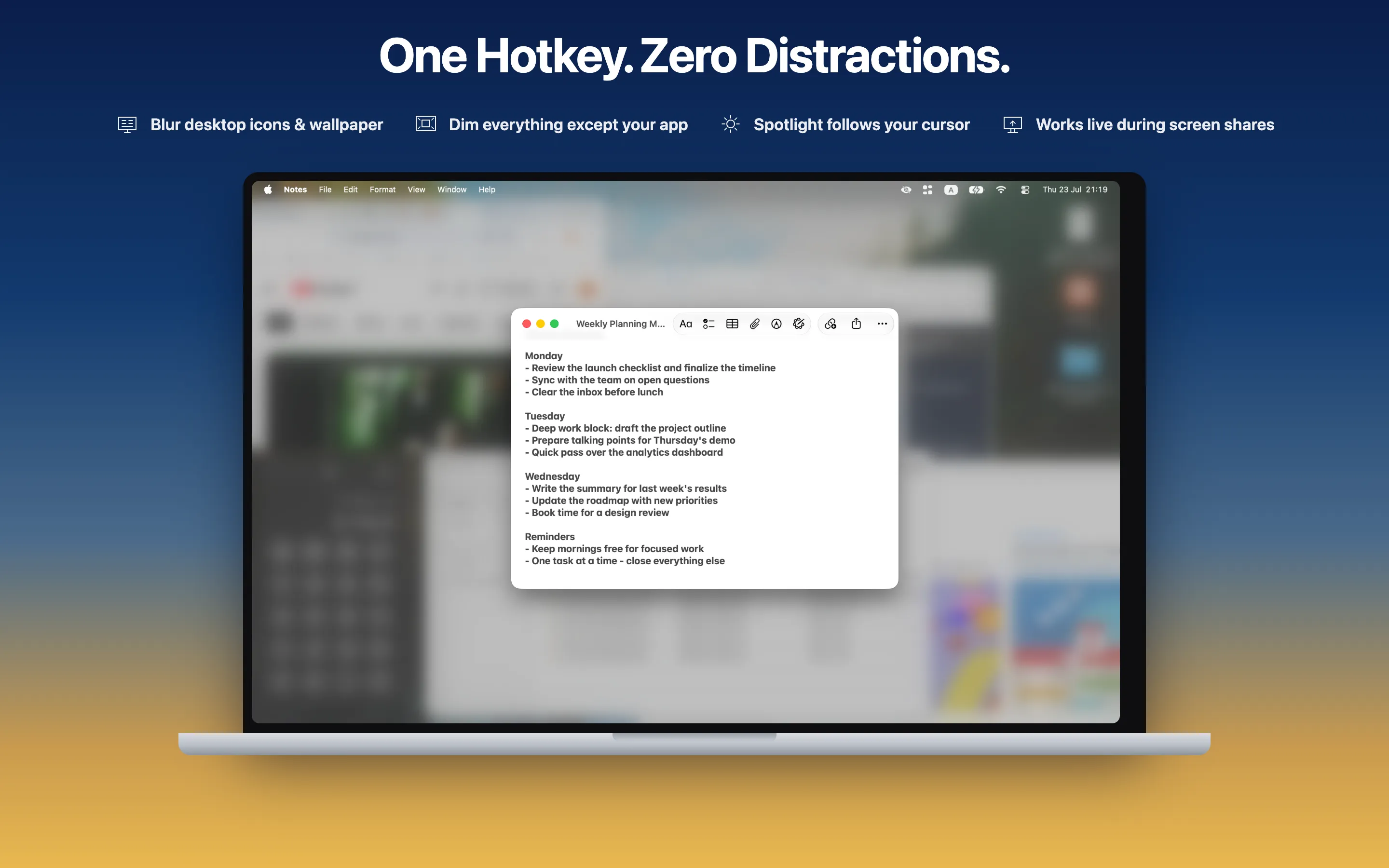
Hush is a macOS menu bar app that blurs or dims desktop clutter and other windows while keeping the content you want to work on or present visible. It can activate when screen sharing begins, so calls and demos need less manual window cleanup. Unlike a window organizer, it adds a visual overlay without moving or closing your apps.
Control what stays visible
- Desktop Mode: Hide wallpaper, desktop icons, and widgets behind a blur, color, or custom image while leaving app windows usable.
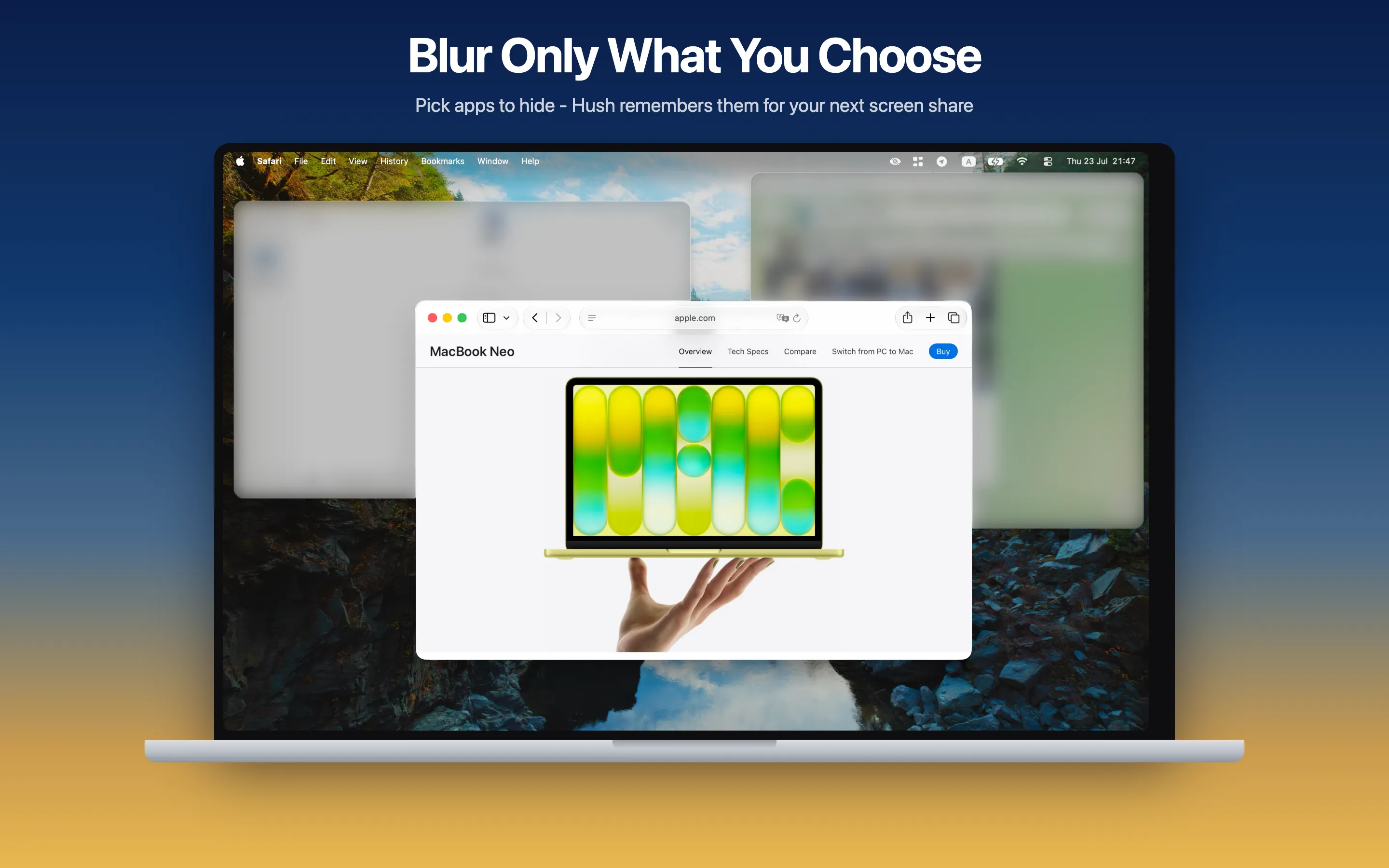
- Active Window and Selected Apps: Keep one window clear, or choose several apps to remain visible while other content is dimmed or blurred. Selected Apps can add apps as you switch with Command-Tab.
- Cursor Focus: Darken the screen around a movable, resizable spotlight that follows the pointer during demonstrations.
- Everyday dimming: Keep the current window prominent as you work, with a temporary Peek shortcut to reveal the rest of the desktop.
Screen sharing and controls
Hush detects screen sharing in apps such as Zoom, Google Meet, and Microsoft Teams and can turn its effects on and off with the session. A sharing HUD provides quick controls. You can also use the menu bar or a global keyboard shortcut, customize blur and dim levels, and configure individual displays. For automation, Hush supports Apple Shortcuts, Focus Filters, and a hush:// URL scheme.
What to know before installing
Hush requires macOS 14 Sonoma or later. Desktop Mode is free indefinitely; Active Window, Selected Apps, and Cursor Focus are part of Pro, which has a five-day trial followed by a one-time purchase (US Mac App Store price: $7.99). There is no recurring subscription for the App Store upgrade. The developer says Hush processes window information locally, works offline, and requires no account. Recent versions no longer require Screen Recording permission for standard modes; an optional precise-window-corners effect can still request it. Check what viewers can see before sharing sensitive material.
Hush
Build a better setup around Hush
Apps and workflows that pair well with Hush and help you do more with your setup.